


Connor Patterson
I’ve spent the last decade building and scaling products across design and tech. But recently, I found myself in a familiar, painful spot.
Tried to manage SEO without a dedicated team. Just me, my half-built app, a Notion checklist, and the desire to reach people organically. Semrush used to be my go-to, but its clunky interface and dated AI features finally made me quit.
So I started looking further. Over a few weeks, I tested out a handful of SEO tools to see what would work best for someone wearing too many hats. My main lens: not just power, but also usability. Especially for founders, indie hackers, and solo devs who don’t have time to become full-time SEO experts.
Here's what I discovered, minus the buzzwords.
Let’s start with Ahrefs
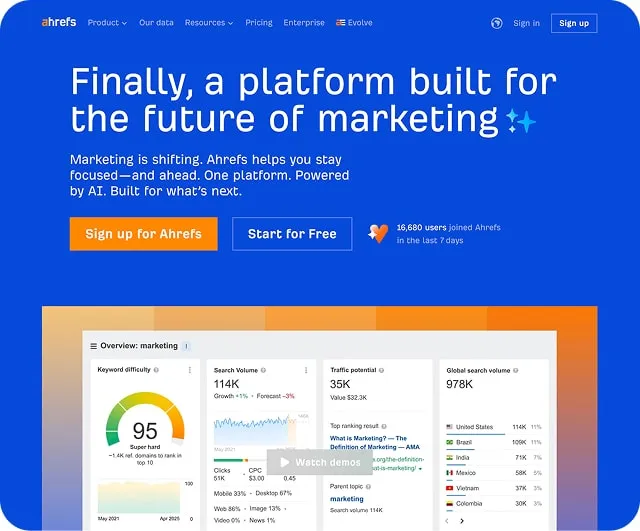
This tool has all the power you’ll need. Deep backlink audits, solid keyword data, and rank tracking that feels reliable. But for solo builders, the price bites. And the UX feels stuck in 2018. Dense, text-heavy, and clearly built for SEO pros, not creators.
If you’re running a digital agency or have a marketing lead onboard, it’s a solid fit. If you’re juggling frontend tickets and landing page copy on the same day, this might overwhelm you.
Pro: Strong data and comprehensive toolset
Con: Interface fatigue kicks in fast, especially for non-SEOs
Next, Moz surprised me
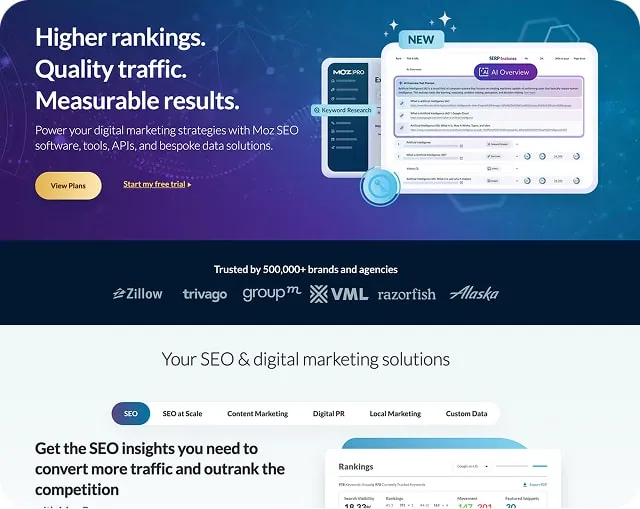
The UI is smoother, cleaner, and less intimidating. You can actually find things without reading a manual or watching a YouTube tutorial. It's more beginner-friendly, making it great for product people who care about clarity. But if you’re chasing AI-enhanced suggestions or modern automations, you’ll be disappointed.
Pro: Clean interface and good starter tool
Con: Weak AI features, feels less active than others
Ubersuggest was a letdown
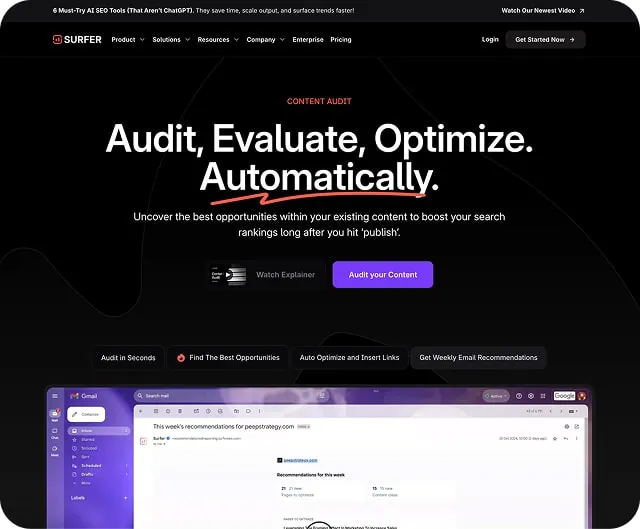
https://surferseo.com/content-audit/
Ubersuggests tempts with low entry fees but delivers shallow wins.
Its keyword generator spits out ideas faster than a pitch deck revision. But exports stop at 100 rows, forcing upgrades. One founder used it for basic rankings but hit walls when scaling.
Pro: Budget-friendly
Con: Frustrating experience and low trust in data quality
Then came a tool I hadn’t heard of: Frizerly
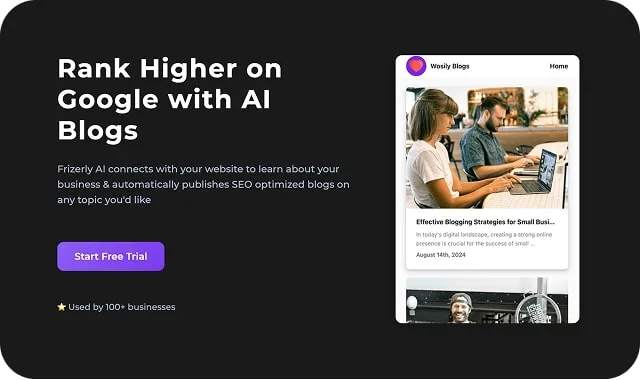
This one feels like it came from the future. Or at least from someone trying to design for it. It's packed with AI tricks. Keyword clustering, WordPress syncing, and blog auto-publishing that actually works. There is a catch. It lacks precision. No real fine-tuning or detailed crawl reports. So it’s perfect if your goal is 80 percent results with 20 percent input.
Great for early-stage founders just trying to get some SEO lift without complexity.
Pro: Time-saving automation and AI generation
Con: Doesn’t offer granular control or pro-level audits
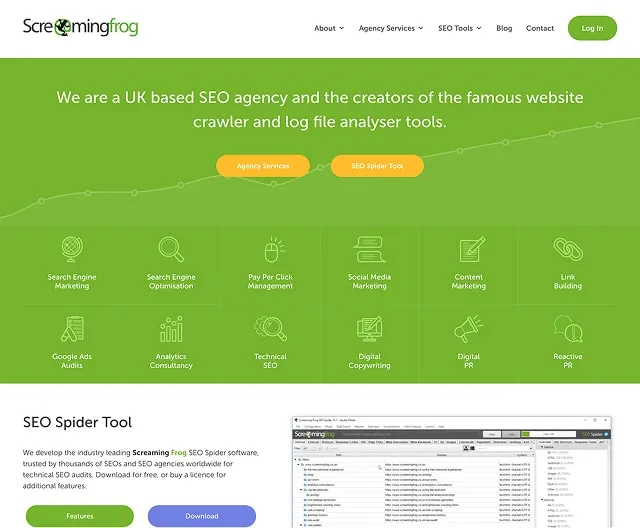
Let’s talk about Screaming Frog
https://www.screamingfrog.co.uk/seo-spider/
If you're just looking to crawl your site and spot basic issues, this is gold.
The free version is surprisingly powerful. It gives you what you need to fix broken links, find duplicate titles, and check metadata. But once you need anything beyond that. Keyword tracking, backlinks, or content suggestions. It stops being useful.
Pro: Solid free tool for on-page SEO audits
Con: Not enough functionality for content or growth strategies
Now, here's my wildcard: NeuronWriter
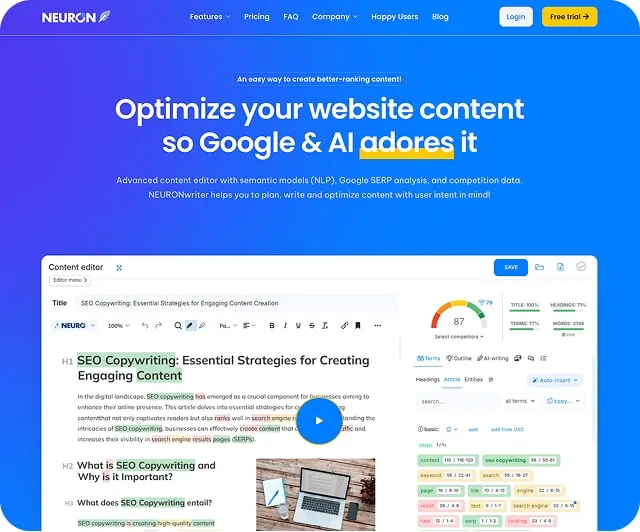
This one was built for people who write to win search traffic. It’s almost like a stripped-down Notion, AI writer, and SEO checklist hybrid. The interface is clean and modern. It doesn’t pretend to be an all-in-one tool. But if your content is your growth engine, this one makes writing easier and smarter.
I used it to plan content for my startup’s blog. It helped me surface easy-to-rank keywords I wouldn’t have thought of.
Pro: Ideal for SEO-focused content writers
Con: Not meant for technical or backlink strategies
At this point in the article, if you’re a startup founder reading this while sipping cold coffee at 1 a.m., hi, I see you.
You’re building fast, fixing bugs, shipping updates, and now learning SEO because your product deserves traction. But if your app or site has confusing UX, unclear structure, or weak visual signals, no SEO tool will save you.
That’s where I can help. If you want a second set of eyes on your MVP, I offer UX reviews with a founder-first lens. I’ll look at layout, clarity, mobile experience, trust signals, and conversion paths. Basically, all the leaks that silently kill your signups. Drop me a line at hello@setproduct.com.
Let’s make sure your product doesn’t just get traffic, but actually converts it.
Now, back to SEO land
So what’s the final verdict after this deep dive? For the indie devs, design-led founders, and code-slinging product folks who want just enough SEO without adding chaos, here's my personal ranking:
- Moz – best balance of UI and power
- NeuronWriter – perfect for content-first growth
- Frizerly – fast AI magic for minimal effort
- Ahrefs – pro-level depth but too much for many
- Screaming Frog – great free value, limited long-term use
- Ubersuggest – cheap but painful
There’s no universal winner. Only what fits your workflow.
Don’t obsess over finding the perfect tool. Instead, ship something, track it, improve, repeat. SEO is a game of compounding small wins. Not chasing perfection.