

Android Dashboard Templates
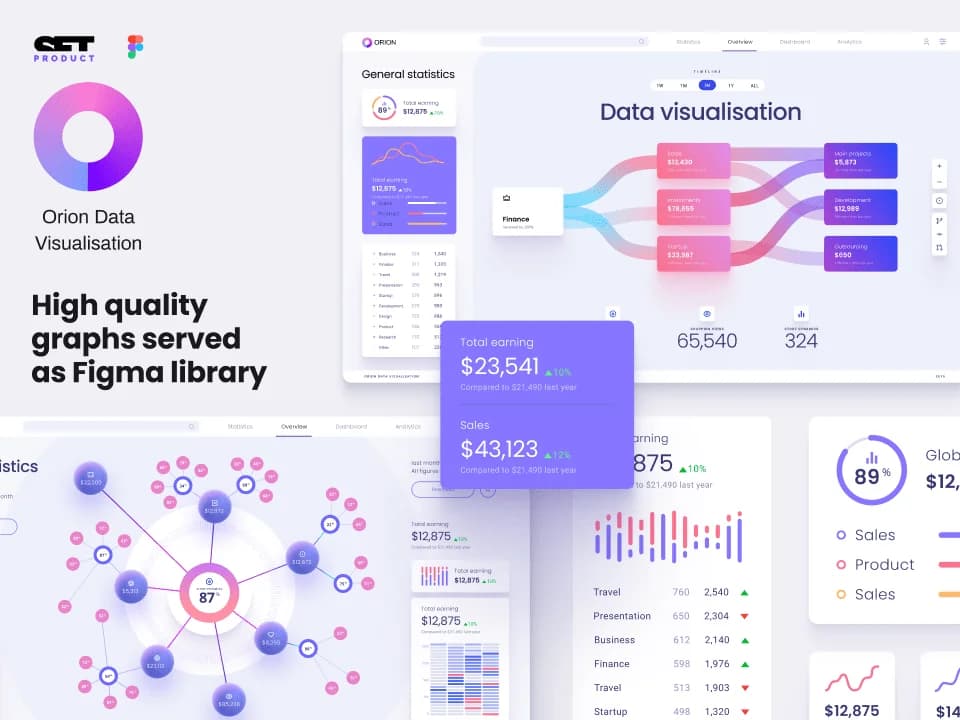
Orion UI kit
Figma library with 40+ full-width charts templates served in light & dark themes. Contains 200+ of dataviz widgets that look perfect on desktop & mobile screens.
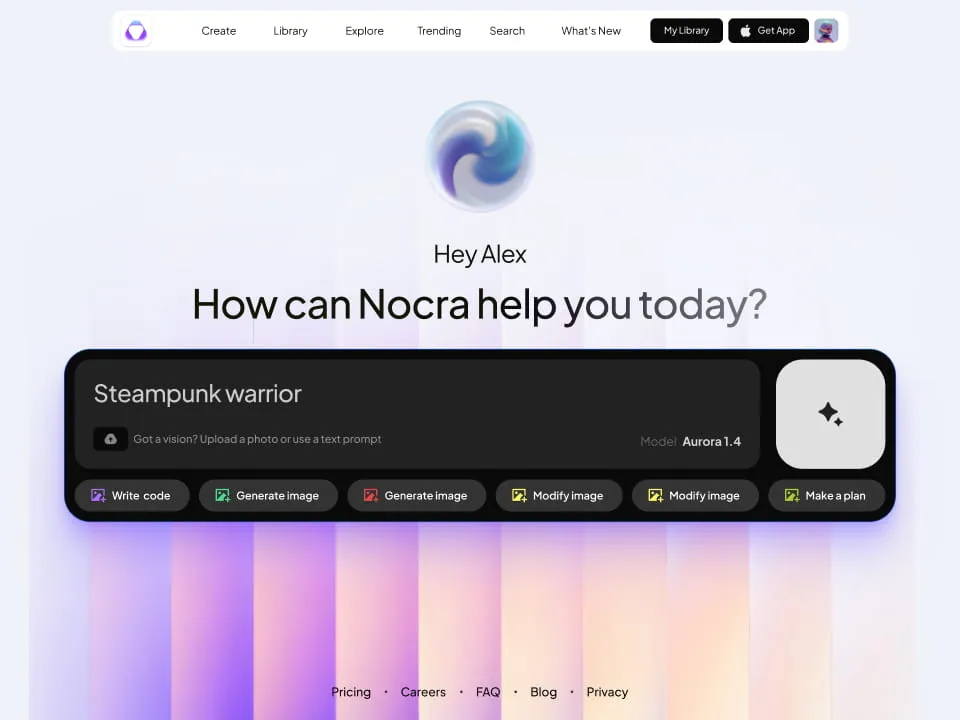
Nocra UI kit
Nocra is a design system for AI products. Built specifically for startups harnessing AI generation: images, video, audio, music, prompts, and beyond.
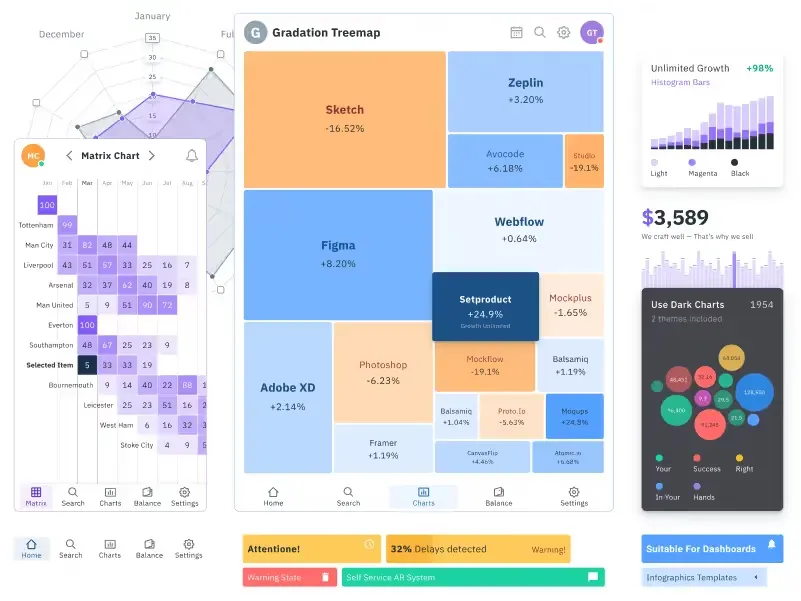
Figma Charts UI kit
Components-driven graphs design kit for dashboards, presentations, infographics & data visualisation. Includes 25+ charts types for all the viewports.
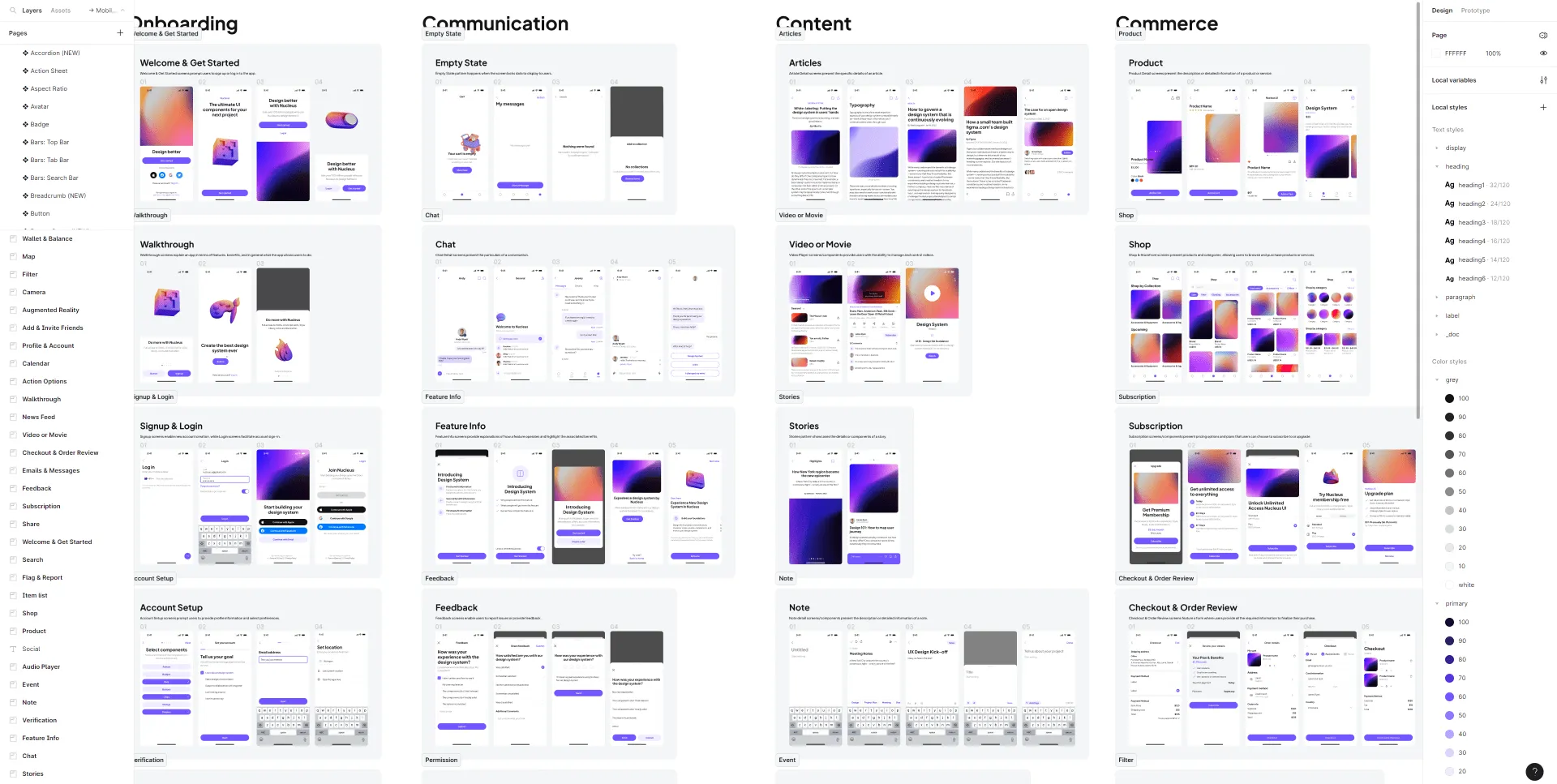
Nucleus UI
Nucleus UI contains 1000 components and variants with 500+ mobile screens designed for Figma (including 9 themes from Event, E-commerce, Finance, NFT, etc.).
.webp&w=1920&q=75)
Material X for Figma
Figma library with 1100+ components & 40 app templates beyond Material Design. Powered by top-notch shapes and Manrope font. Customizable & Adjustable UI kit now available for Angular & Figma
.webp&w=1920&q=75)
Material You UI kit
Figma & React library with 2600+ variants of 32 components compatible with Material Design 3. Plus 220+ dashboard templates for all the viewports. Now available for NextJS & TailwindCSS.
Figma React UI kit
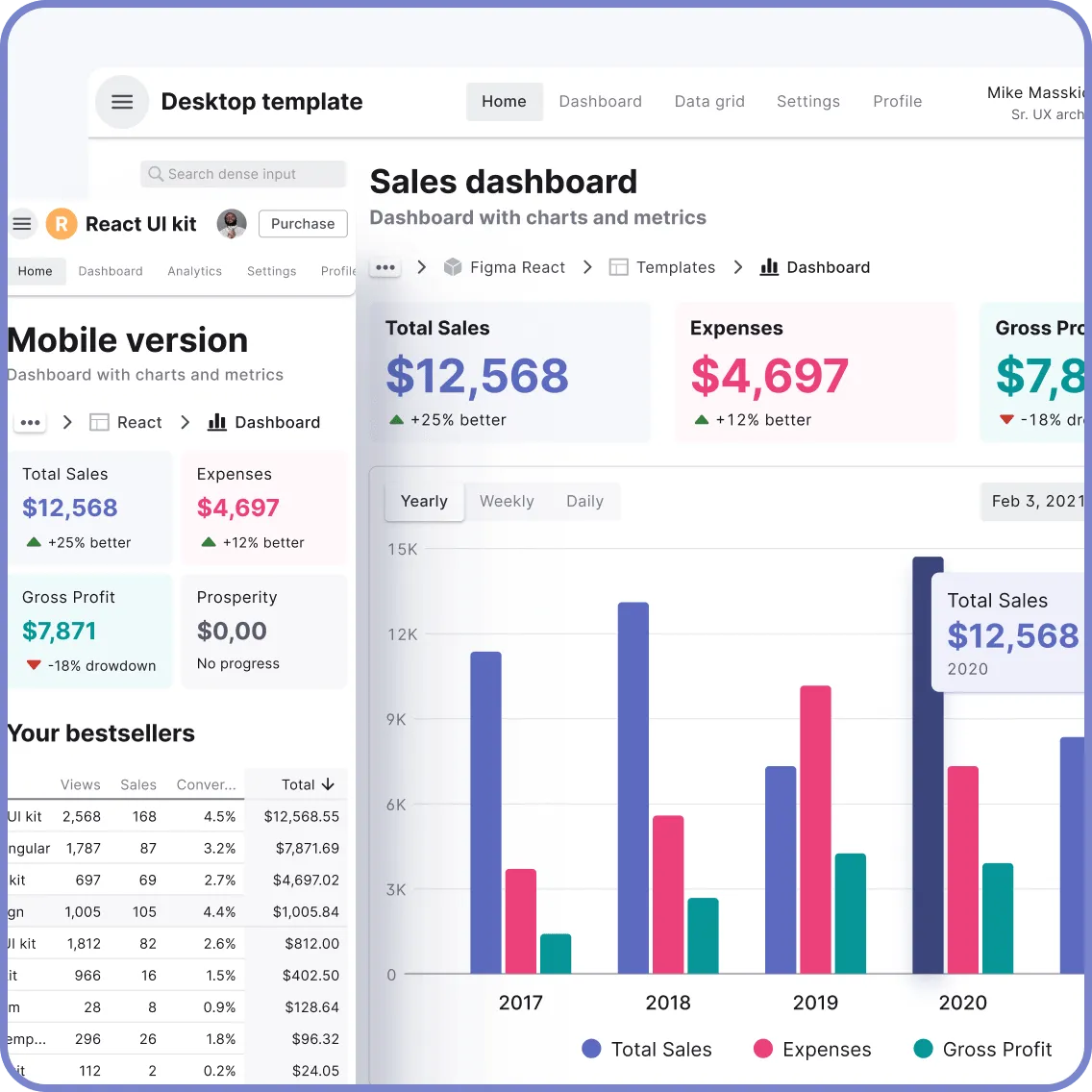
Designed and well-organized in Figma React-based UI toolkit for the web. Optimized for building complex data-dense interfaces for desktop and mobile applications.
.webp&w=1920&q=75)
Panda Design System
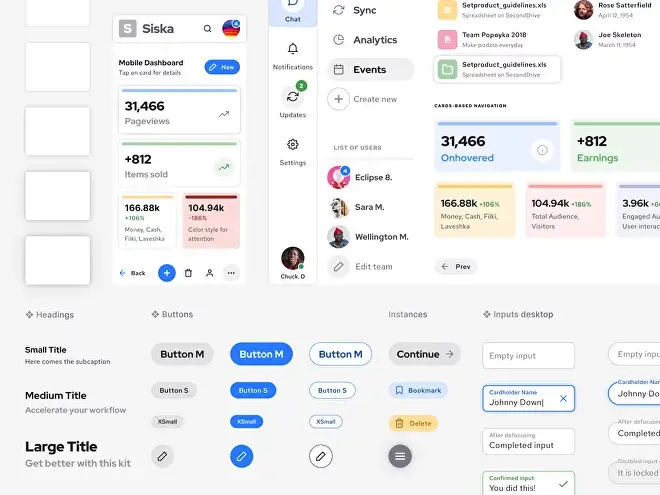
Figma library with dashboard, calendar, kanban, profile, table, ecommerce and 80+ templates in total. Components with variants, dark theme included.
What is Android Dashboard?
An Android dashboard is a unified interface that visualizes important information and metrics attractively. It is the operation center for an app that allows users to rapidly access key metrics as well as interfaces. Its purpose is to make navigation easier-and the overall user experience better-by presenting difficult information in an easy amiable way.
Benefits of Using Android Dashboard Templates
Our Android dashboards offer several key advantages that make them an invaluable resource for developers.
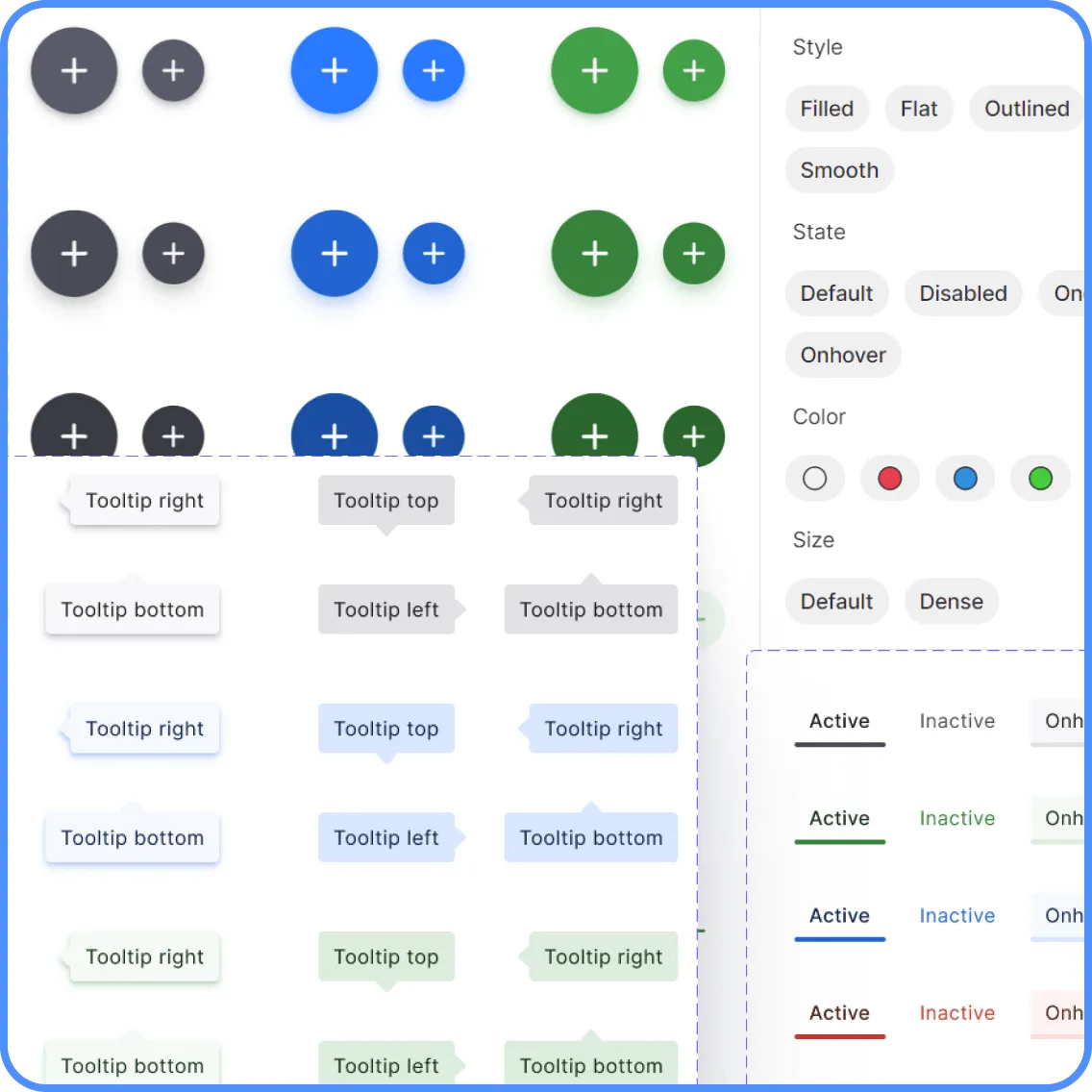
- Organized library saves you time: Powered by auto-layout, variants, colors and text styles, our templates supply an all-bells-and-whistles design system for convenience.
- review Variants of Components & UI Widgets: Auto-layout drag and drop components accurately crafted with Variants support, including UI design widgets as ready-made blocks.
- Easy to Customize: Contains components, auto-layout, hot style guides and detailed Android templates for quick startup.
- Scalable Layouts for Any Viewport: Designed to be easily adaptable for any device or screen size.
- Dark and Light Dashboard Templates: Clean modern web app dashboard UI kits with high-quality full-width desktop templates.
Get Started with Android Dashboard Templates Today!✊
FAQs
What Are Android Templates?
An android template is a pre-launched application that facilitates app interface design. Comprising a variety of design elements from buttons to icons and widgets, templates can be customized to cater for the unique needs of your project.
How to Use Android Templates?
If You Use Android Templates, Five Easy Steps:
- Pick a Template: Choose a template that suits your project's needs and download its file.
- Install Dependencies: Make sure there is no missing export in bare-bones object creation.
- Import Template: After the template is downloaded, unpack it on your machine and use a package manager as needed.
- Customizing: Change the template in order to match your ideal style by overhauling styles, adding components and reordering layouts.
- Deploy: After customizing the template, paste it into your application and send.
How Do Android Dashboard Templates Improve User Experience?
Android dashboard templates go a long way to improve user experience. In a well-organized and intuitive interface user are made to feel comfortable. By presenting important information in a clear and accessible way, these templates make navigating the app easier. Users can do tasks with ease and they get around faster than ever before thanks to it.
What Are the Key Elements of an Android Dashboard?
Key elements of an Android dashboard include:
- Widgets: Display real-time data and important metrics.
- Navigation Menu: Provides easy access to different sections of the app.
- Buttons: Allow users to perform actions such as adding new data or changing settings.
- Graphs and Charts: Visual representations of data for quick analysis.