

Roman Kamushken
Everywhere you look, someone is predicting the death of UX.
AI tools are faster, prototypes almost build themselves, and the hype is louder than ever.
However, the heart of our craft has never been about the tools we use. It’s about people. It’s about empathy, asking the right questions, and making sense of messy, conflicting needs. That doesn’t disappear when new technology shows up. In fact, it becomes even more important.
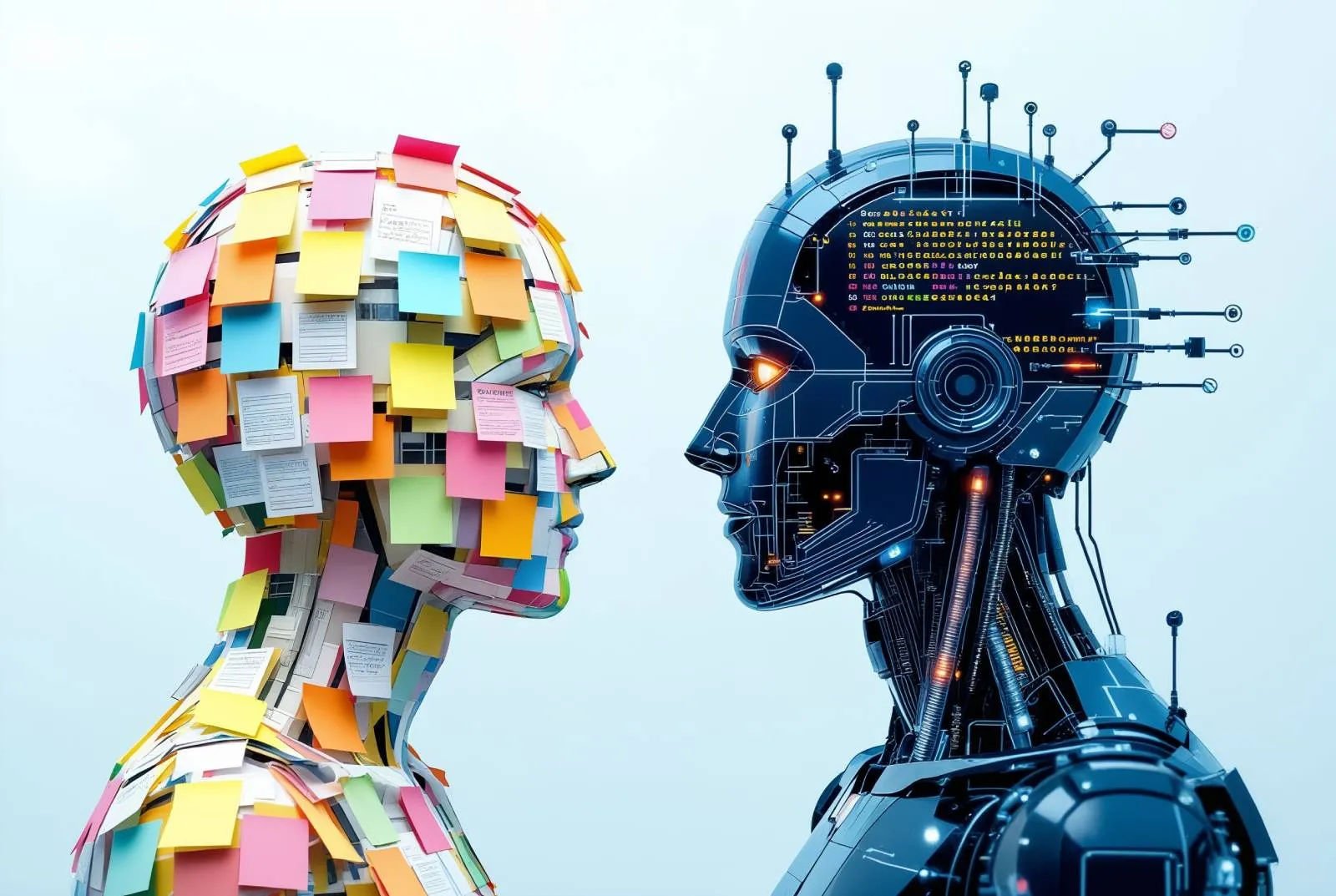
AI can generate endless variations, but it can’t decide what truly works for humans. That’s still our job.
And in a world moving this fast, that job is more valuable than ever.
AI speeds things up, but doesn’t make things better
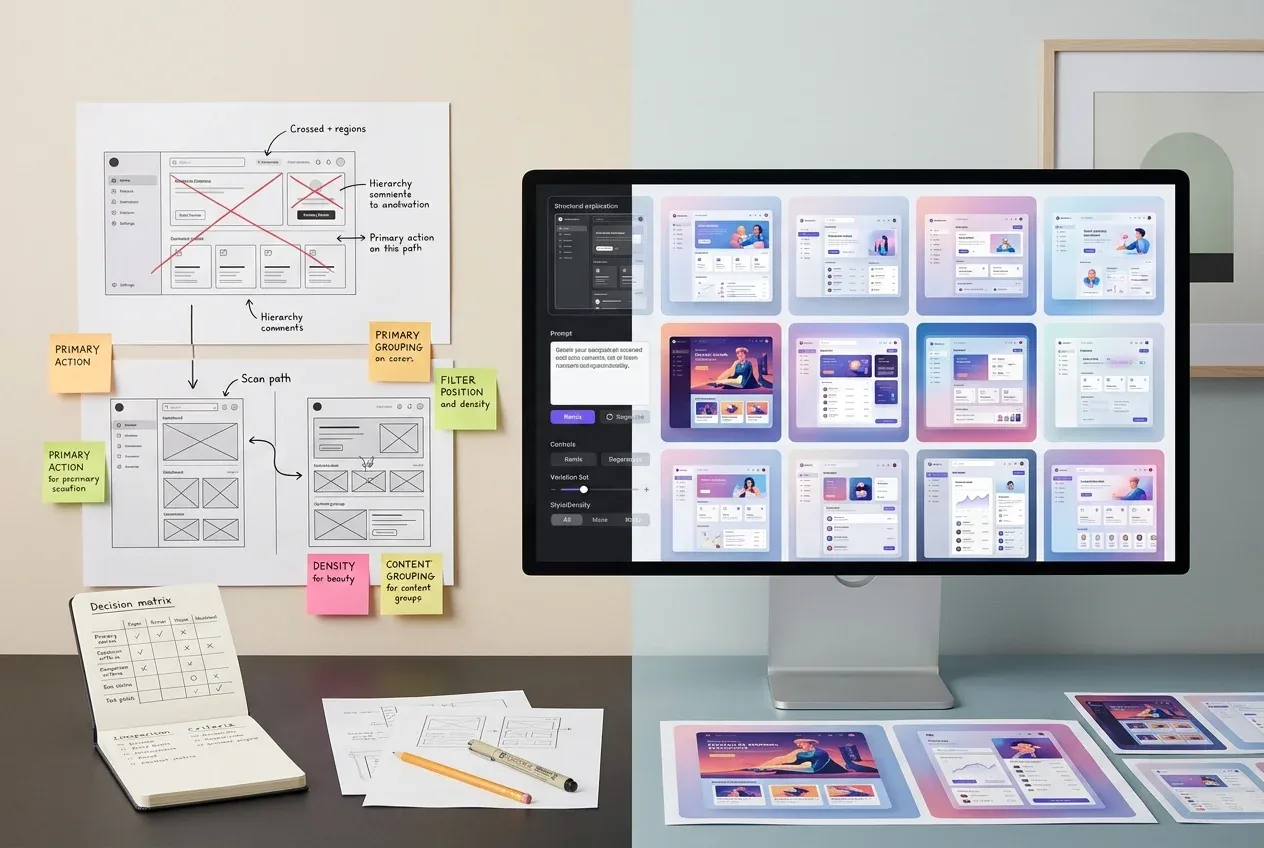
AI is amazing at execution. It can generate layouts, write decent microcopy, even vibe out a full flow based on a prompt. But I trully do believe: output ≠ outcome.
You can generate 100 variations of a screen in a second. But which one solves the problem? Which one is usable, inclusive, intuitive, delightful, and doesn’t collapse under real-world edge cases? That’s not something a model knows. As you watched thousands of screens during a career: YOY KNOW IT, AND YOU DECIDE!
Bad UX is proliferating faster than ever, and AI is partially to blame. Because when you remove the friction of building something, people skip straight to building anything. AI isn't thoughtful - it's reactive. It doesn’t ask why, and it doesn’t care who it's designing for.
But you do. And that’s the difference.
Heuristic thinking > Generative outputs
Now is the time to lean into what actually sets designers apart: critical thinking, pattern recognition, and judgment.
Of course, you want to stay relevant. Start doing more heuristic reviews and carefully audit interfaces. Rip apart sloppy design choices. Be the annoying-but-right person who says “this is confusing” before it ships to users.
Why? Because everyone’s rushing. And when things move fast, usability usually suffers. Companies need someone who actually cares about the friction points, the user flows, the readability at 14px, the tap targets, the cognitive load.
AI doesn’t notice those things. But you do. That’s UX thinking.
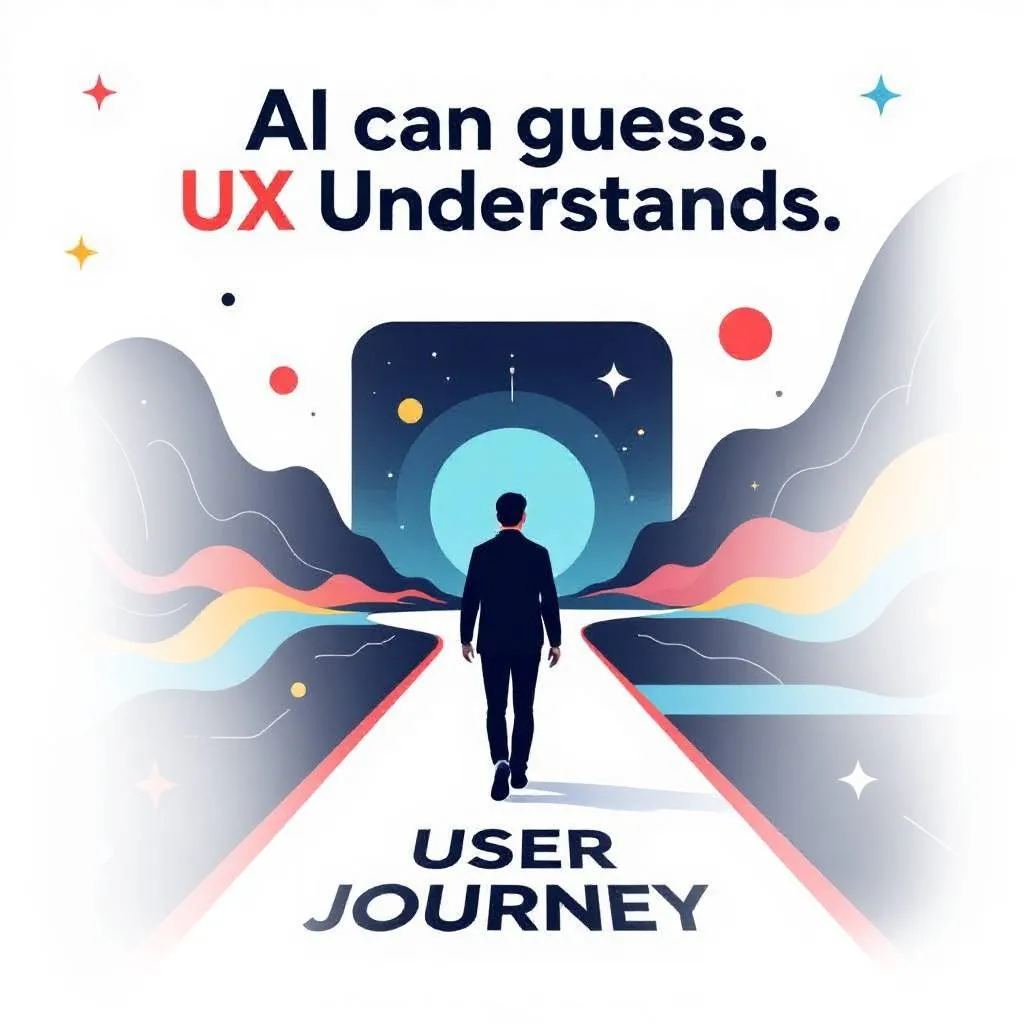
Design is still about humans, not just prompts
There’s this weird new belief going around that everything should be a chat interface now. That GUIs are old news, and AI means we’re entering a prompt-only future.
Sure, the tech is powerful. But the interfaces confusing, opaque and full of guesswork. What can I do here? What should I type? Is there even a button for that?
Chat-based UX is just the new command line: great for power users, terrible for most humans. It's still a big problem to solve. That’s where UX design comes in.
The more powerful the tools become, the more thoughtful the interface needs to be. Otherwise, it’s just power without access.
Taste is the new leverage
Where AI can generate hundreds of design variations in minutes, taste becomes your ultimate competitive advantage.
The taste is not just about picking the “prettiest” option. it’s about knowing what will resonate with your audience. What feels timeless, and what supports the product’s goals right now. That ability doesn’t come from instinct alone. It comes from years of building visual literacy.
The best designers actively train their eye. They study great work from different eras, explore unfamiliar mediums, and observe design in everyday life. They learn to see patterns, spot clichés, and recognize subtle UI details that separate good from exceptional.
AI can produce infinite outputs, but it can’t tell you which one has soul. Your cultivated taste is the filter that turns noise into clarity (and that’s something no algorithm can fake).
The real UX job hasn’t changed (the noise around it has)
Let others freak out about Figma plugins and AI layout tools. If that’s all your job was, then yeah, you should be worried.
But the real value of UX was never about the mockups. It’s about reducing friction and increasing clarity. Helping humans do what they came to do, with less pain.
AI doesn’t know how to do that. It never studied HCI. It doesn’t understand why onboarding patterns work. It doesn’t care why people rage-click or drop off or never return. That’s still your job.
And it’s more crucial than ever.
AI isn’t the enemy of UX. Kinda mirror. It shows where our process is strong and where it’s hollow.
Fast design is easy now; meaningful design is not. That’s our edge. We get to ask better questions, uncover needs no dataset can predict, and create experiences that feel alive. This moment is an invitation to lead, not defend.
The designers who adapt, stay curious, and keep empathy at the center will survive. The tools have changed, but the mission hasn’t: make technology work beautifully for humans. That’s something no machine can replace.