

Roman Kamushken
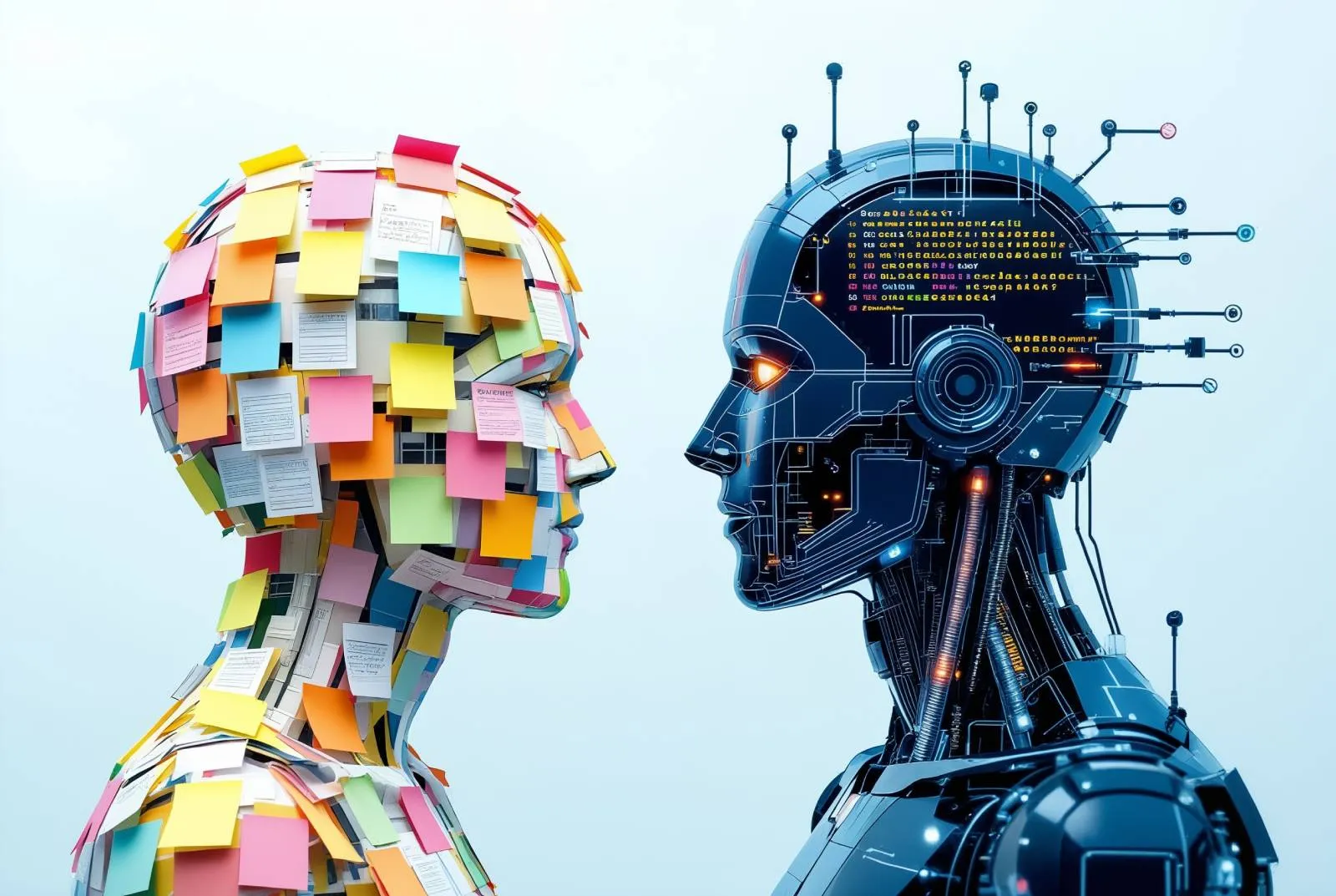
A few months ago, during a collaboration with a new product team, one designer said something simple and uncomfortable. He told me he did not enjoy using AI for design work because every time he delegated part of the process, he felt he was giving away the very part that helps him grow.
I understood him immediately.
A lot of people talk about AI in design as if the only meaningful metric is speed. If a task that took three hours now takes twenty minutes, the conclusion seems obvious. Progress. Better workflow. Higher productivity.
In practice, the picture is less flattering.
Some designers dislike AI for reasons that are completely rational. They are reacting to a real professional risk. The risk is not that AI exists. The risk is that it can quietly remove the exact layers of work that build judgment, taste, and problem solving stamina.
Why AI feels wrong to some designers
For many designers, the value of the job is not limited to the final screen. A big part of the value lives inside the process itself.
Researching the problem. Mapping tradeoffs. Testing structures. Deciding what to simplify. Polishing details by hand. Discovering why one version feels stable and another feels fragile.
If AI enters too early, that whole chain gets shorter.
The output may still look competent. Sometimes it even looks polished faster than a human would manage on the first pass. Yet something important disappears. The designer spends less time wrestling with ambiguity. Less time deciding what matters. Less time building internal criteria.
That discomfort is easy to dismiss as resistance to new tools. I would not do that. In many cases it is closer to professional self-protection.
A designer who wants to stay sharp should be careful with any workflow that reduces the amount of direct contact with the actual problem.
The real risk is outsourcing judgment too early
AI itself is not the problem. The problem starts when designers give it the wrong part of the work.
If AI helps generate options after the designer has already framed the problem, that is usually productive.
If AI helps summarize research after the designer already understands the users and constraints, that can also be productive.
If AI takes over structure, prioritization, hierarchy, flow logic, and evaluation before the designer has formed a point of view, the result is different. In that case, the designer stops using AI as leverage and starts using it as a substitute for judgment.
That is the line that matters. AI can’t replace real UX thinking.
A weaker workflow looks like this: vague prompt in, plausible interface out, minor edits, ship.
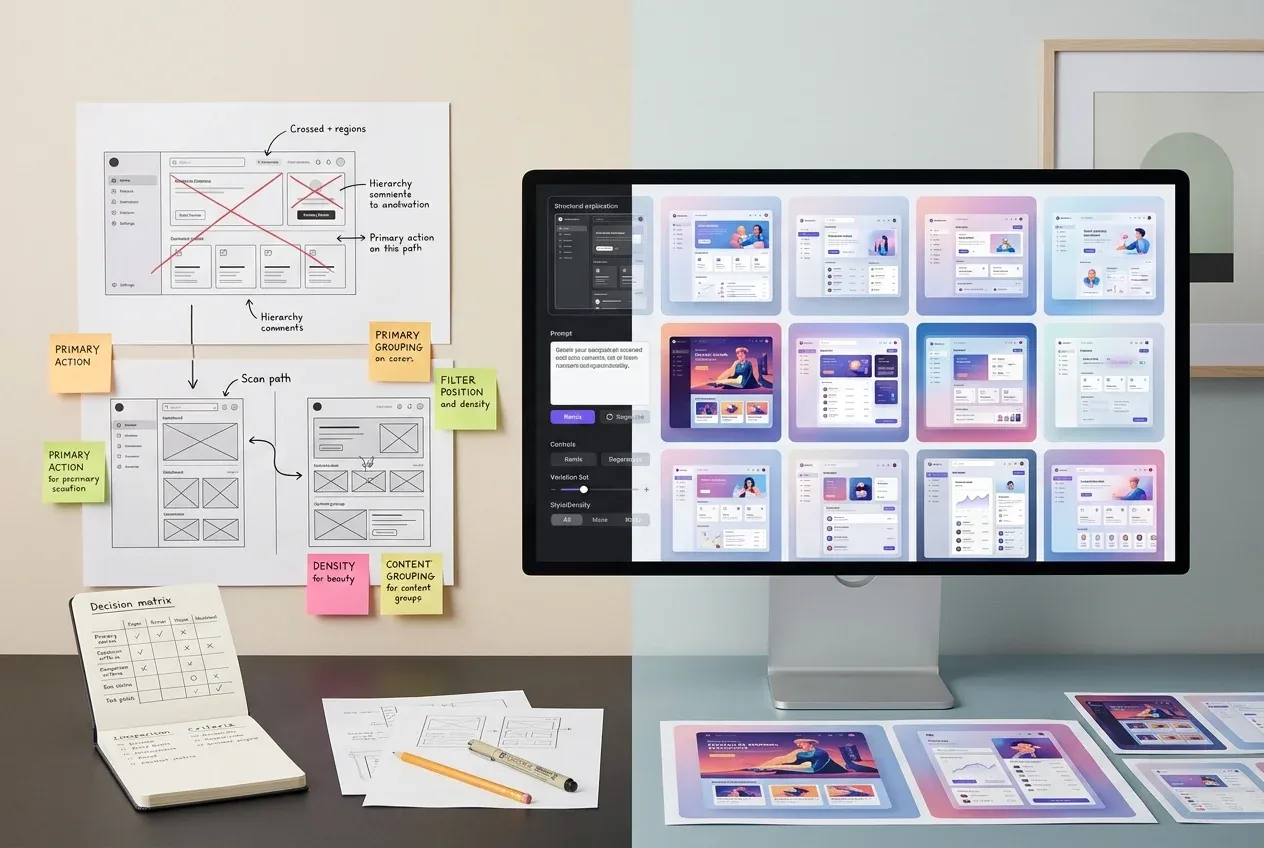
A healthier workflow looks different: define the problem, set criteria, sketch the structure, generate alternatives, compare them critically, rebuild the solution with intention.
The first workflow saves effort. The second saves time while preserving skill.
Those are not the same thing.
Where AI is genuinely useful
At the same time, it would be silly to swing to the opposite extreme and pretend AI has little value. In some areas it is genuinely strong.
I have seen teams move much faster when AI was used to prototype complex interactions and generate multiple paths for search and filtering flows, especially in cases like studying SaaS dashboard patterns in the AI era.
That matters.
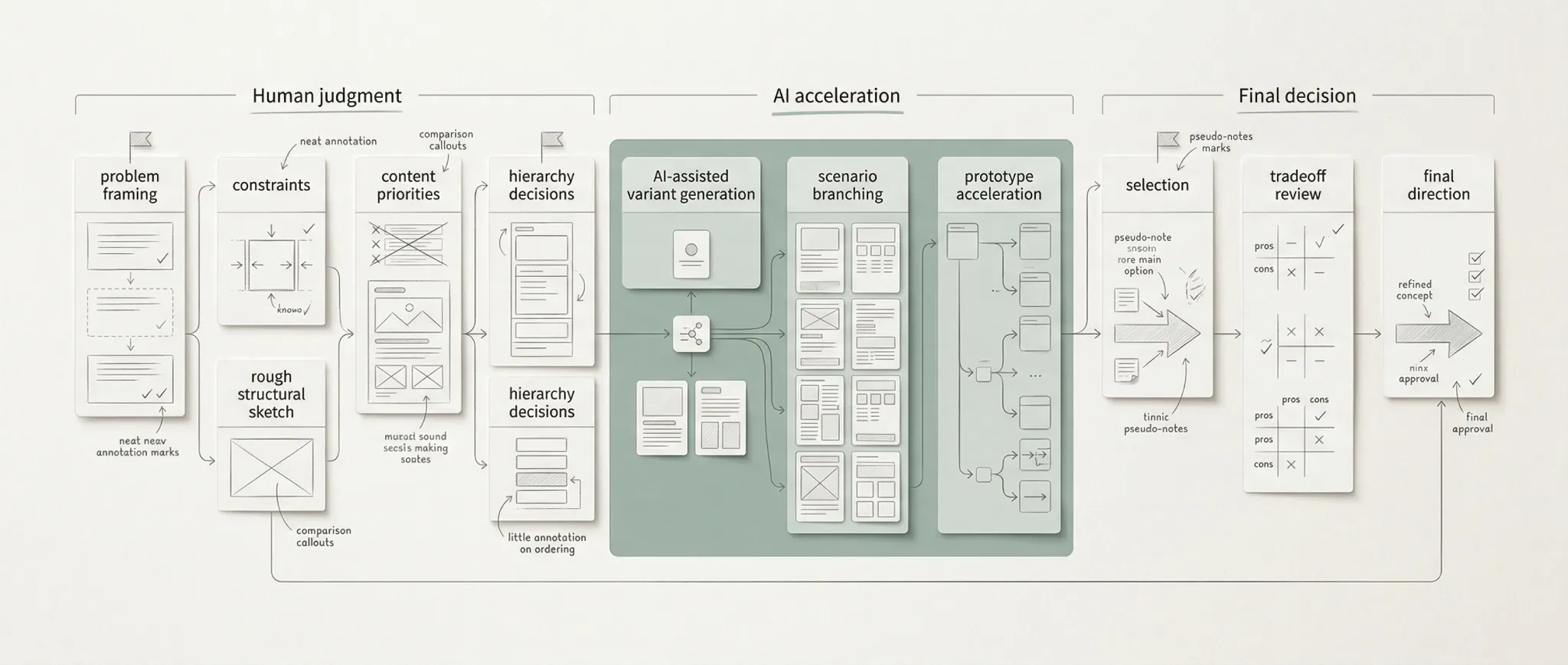
AI is most useful after the problem is framed and before the final choice is made: it helps expand directions, branch scenarios, and speed up prototypes, while judgment, tradeoff review, and final decisions stay human-led.
Some design problems are too expensive to explore slowly. If a product has dense logic, multiple states, branching actions, and enterprise level constraints, fast testable prototypes can save days of blind construction. The designer still needs to decide what is correct. AI simply lowers the cost of exploring the solution space.
This is also one of the reasons I find AI-generated inspiration more useful than one-click final output, especially if you use AI UI inspiration without copying blindly. A finished screen often hides the thinking. A broad visual field of alternative structures, states, densities, and compositions can do something better. It helps designers compare patterns while keeping their own judgment active.
That is also the logic behind Setproduct AI inspiration app. The goal is not to let the machine think for you. The goal is to make exploration faster, broader, and more concrete, while the actual selection still happens in your head.
AI can also restore creative energy
There is another angle that gets less attention.
Some experienced designers are tired. Not tired of design as a craft, but tired of repeating familiar production cycles. Same backlog rhythm. Same component decisions. Same polish loop. Same deadlines. That is also why real UX work in tech companies often drains energy long before craft does.
For them, AI can reintroduce experimentation.
I have seen designers who were clearly bored by routine work become curious again when AI entered the process. They started testing stranger directions, building rough interactive ideas faster, and revisiting a more playful side of making things. That should not be dismissed either.
Skill is built through rigor. It is also sustained through interest.
If AI helps a designer recover curiosity, that has real value. Yet even here the same rule applies. Curiosity is useful when it expands the designer’s range. It becomes harmful when it replaces careful thinking with endless novelty.
A healthier workflow for designers
The most reasonable position is neither rejection nor surrender.
If you want to use AI without weakening your design practice, the rule is simple. Keep the cognitively expensive layers on your side.
Keep the framing. Keep the prioritization. Keep the hierarchy decisions. Keep the final tradeoffs. Keep enough manual construction to stay in contact with craft. Because hierarchy, states, and component contracts still need human ownership.
Use AI for expansion. Use it for variation. Use it for early prototyping. Use it for reducing friction around repetitive or low leverage tasks. Use it when it helps you inspect more possibilities in less time.
If a tool makes you faster while your criteria stay sharp, that is leverage.
If a tool makes you faster because you stopped exercising judgment, that is erosion.
Designers who feel cautious around AI are often reacting to this distinction, even if they do not describe it in those terms. They sense that a workflow can be efficient and still quietly reduce their strength.
I think they may be right.
The better question is not whether designers should love AI. The better question is which part of the profession they are willing to delegate, and which part they should defend on purpose.
That is why I keep returning to curated inspiration systems rather than blind generation. A large reference field can widen thinking without taking authorship away from the designer. It can show more options, more states, more structures, more edge cases. It can accelerate exploration while preserving responsibility for the decision. That balance is exactly what I want Setproduct to support.
Because in the end, strong designers do not become valuable by producing pixels quickly. They become valuable by seeing structure earlier, judging tradeoffs better, and staying capable of solving hard problems even when the tools change.