
Roman Kamushken
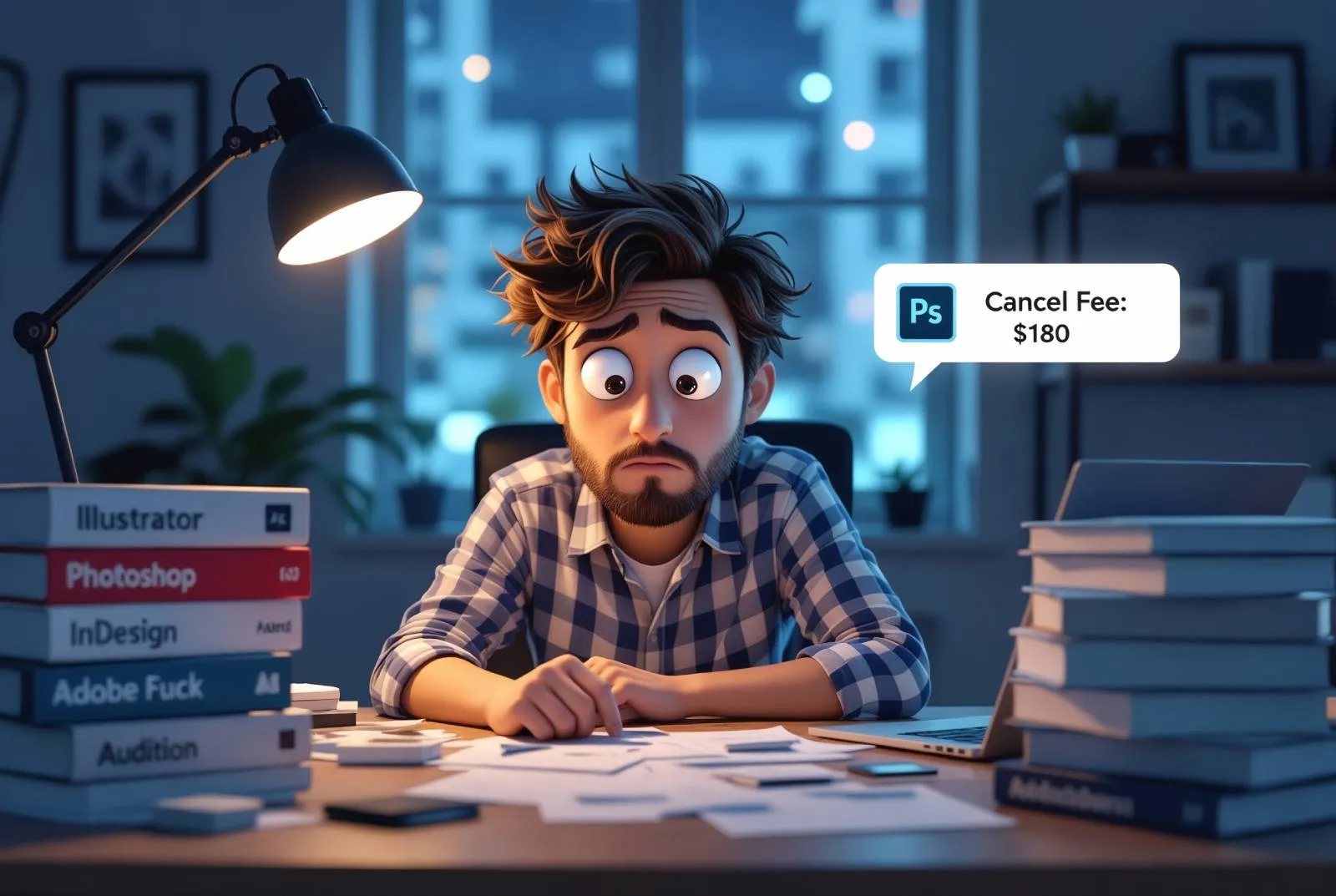
Adobe has turned into a hostage situation
Fuck Adobe. No fancy intro here. Just raw frustration from a designer who's had enough.
I remember when Adobe actually gave a damn. You bought Photoshop. You owned it. Simple, clean, no strings attached. And it worked, so you could rely on it for years.
Then one day, they flipped the switch. No more ownership. Now you rent your tools forever. Stop paying? You’re locked out of your own work.
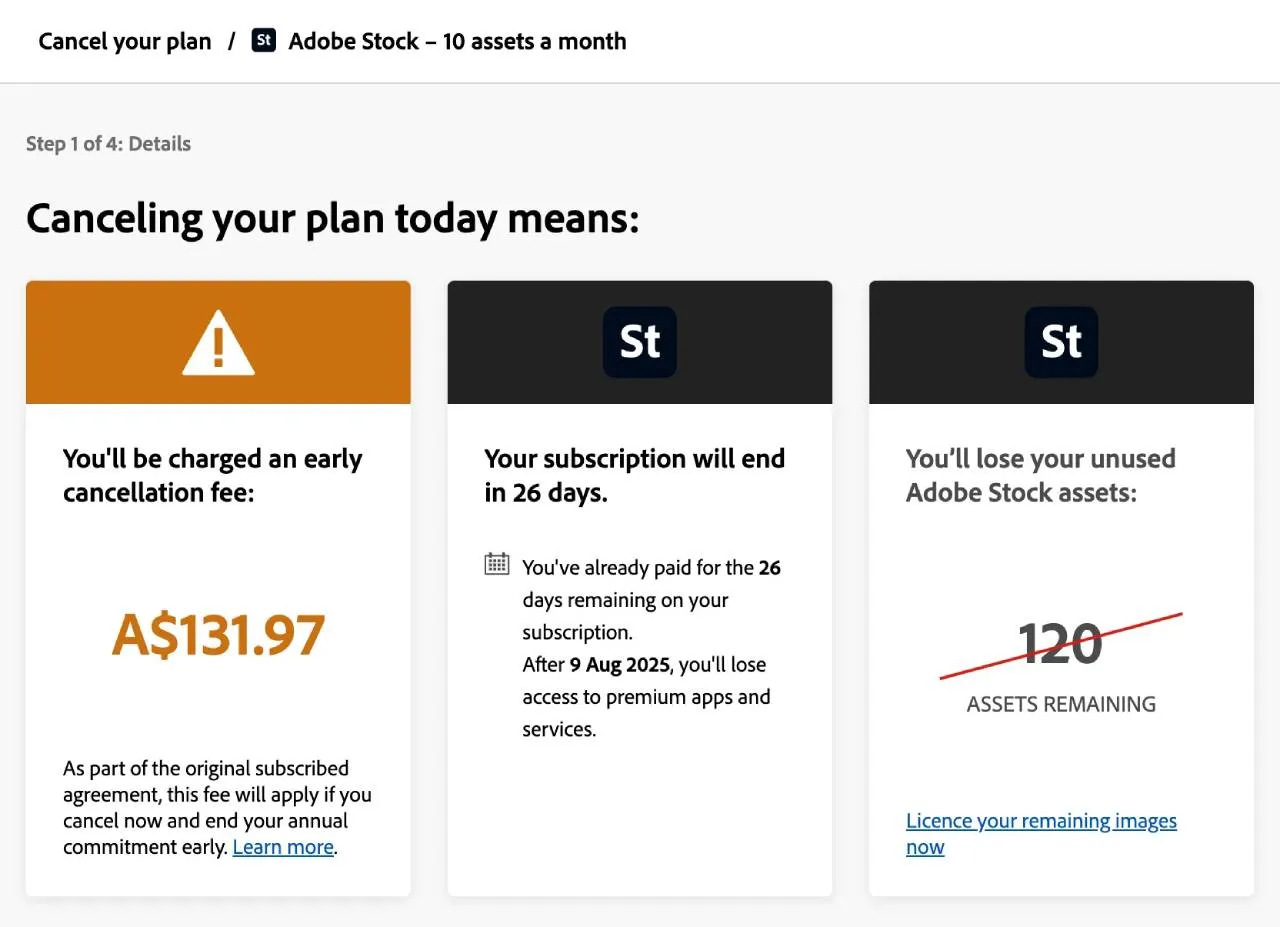
I recently tried canceling Adobe Stock. I barely used it anymore. It’s flooded with random, low-quality AI images. Most of them aren’t even labeled. Useless. So I figured I’d cancel and move on.
Nope.
They hit me with a $131.97 cancellation fee. Because unless you cancel in the exact same month you signed up, you get penalized. Fifty percent of whatever time’s left on your “yearly plan.” It’s buried in the fine print, of course.
So you’re punished for trying to leave a product that’s gone to shit.
That’s not a subscription. That’s a trap.
And don’t even get me started on the software itself. Photoshop crawls. Illustrator feels like molasses. Creative Cloud sits in the background chewing RAM for no reason. Updates break things. Syncing fails. License errors pop up even when you’ve paid. Everything feels slower, heavier, more fragile.
Adobe has gotten too big to care. They don’t build tools anymore. They build systems that milk you.
Here’s a simple hack: switch your plan then cancel. For example: upgrade to a pricier tier, Adobe refunds the difference, then bail. Net cost: $0. Reddit says it works.
Thanks to regulators, Figma is still independent (But how long will that last?)
Let’s get one thing straight: Adobe did not buy Figma.
They tried. In 2022, they announced a $20 billion deal to acquire it. But regulators in the EU and UK jumped in and said “hell no.” Too much market power in one place. Too risky for designers. The deal fell apart in late 2023. Adobe walked away. Figma walked with a $1 billion breakup fee.
So yeah, Figma is still independent. For now.
But if you think that means everything is safe forever, think again.
Big companies don’t stop trying. If it’s not Adobe, it’ll be someone else. Google. Microsoft. Amazon. Figma is valuable, and valuable tools always end up in the crosshairs.
Even now, you can see the early signs of pressure. Pricing experiments. New enterprise features rolling out fast. More AI baked into everything. That lean, nimble vibe that made Figma awesome. It’s already shifting.
You don’t need to be a conspiracy theorist to feel it.
Today, Figma is still good. But keep your eyes open. We've seen what happens when the wrong people take control. Fireworks. Muse. Freehand. XD. All dead or absorbed and forgotten.
The trick to cancel Adobe without paying the fee
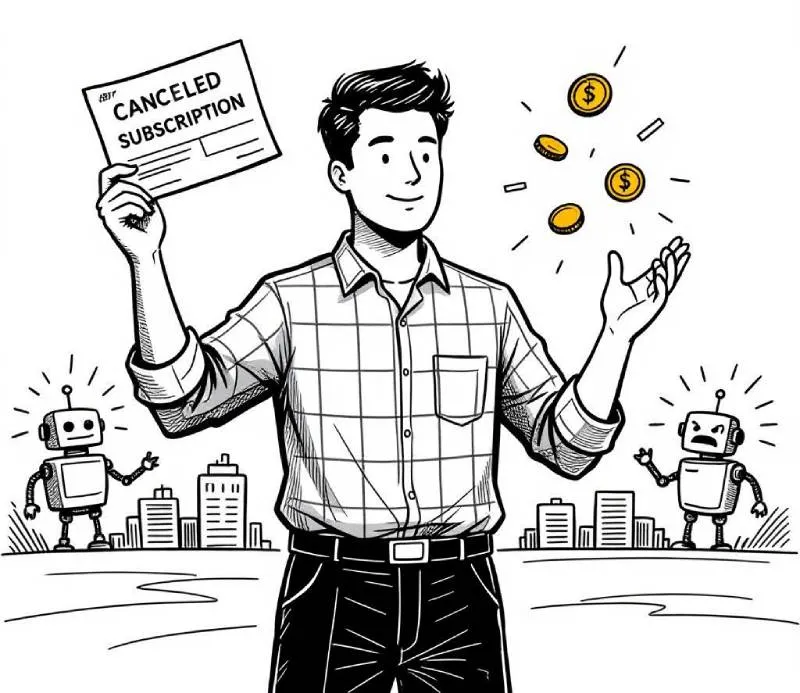
If you're stuck on Adobe’s “yearly, paid monthly” plan, there’s a way out.
Yes, they’ll threaten to charge you half of your remaining contract if you cancel early. But here’s how you can beat the system:
What to do:
- Log into your Adobe account.
- Go to your subscription management page.
- Switch to a different plan (something cheaper, or prepaid).
- Wait for the plan switch to go through.
- Now, cancel the new plan immediately.
That switch resets your contract terms. When you cancel right after, the “early termination” policy no longer hits you the same way. Many people report getting charged less, or nothing at all.
My experience:
I switched my subscription and was charged $100 for the new plan. Then I got refunded $36 from the current one. I canceled it immediately after that and got refunded again. No final fee. No long fight. Done.
It was clunky, but it worked. And way cheaper than letting Adobe milk me for another 8 months.
Build your exit plan before it’s too late (Affinity is a candidate)
I’m not here to tell you Affinity is perfect. It’s not. And yes, I know Canva owns it now. That gives me pause, too.
Right now Affinity apps are fast, stable, and subscription-free. You pay once. You own it. It opens quickly. It doesn’t lag. It doesn’t beg for internet access or shove cloud sync down your throat.
Affinity Designer replaces Illustrator for me. Affinity Photo handles raster work. Publisher takes care of print stuff. For video, I’ve switched to DaVinci Resolve. It’s free. It’s fast. And it doesn’t crash every time you sneeze.
Our studio is gradually shifting over. It’s not a full replacement yet. But even getting partway out of the Adobe trap feels like breathing again.
If you’re stuck in the Adobe ecosystem, I get it. Clients still expect .PSD and .AI files. Habits are hard to break. But you don’t need to go cold turkey. Just start. Test Affinity on personal projects. Get familiar and have a backup.
Even if you move slowly, you’re moving in the right direction.