

Roman Kamushken
Why to use this library
Whether you're a front-end developer, designer, or a product manager, having a solid Next.js UI kit is an essential part of creating an effective, user-friendly web application.If you're a UI designer (who codes) looking for a modern JavaScript framework to create slick user interfaces, NextJS is a great option. Having an impressive amount of ⭐100k+ at Github, this framework shows the stable growth of popularity during the last year.
In this blog post, I am going to express 9 reasons why Next.js is the right choice for web applications, especially when styled into trendy Material You design theme, as well as the pros and cons of investing in this UI kit. Read on to find out more!
TL/DR
Pros:
- Easy to use
- Highly customizable
- Scalable
- Responsive design
- Fast load times
- Open source
- SEO friendly
Cons:
- Next.js may be difficult to learn (JS) for some developers
- Material You UI may not fit for complex and detailed interfaces
Here are 9 reasons
1. Easy to use
Next.js is an intuitive and easy-to-learn framework that makes it simple for designers to quickly create UIs with minimal effort. It offers an array of components and tools that streamline the development process, including a powerful router, styling capabilities, and server-side rendering.
This makes it ideal for UI designers who are new to coding or have limited experience with JavaScript, or React web apps development.
2. Highly customizable
With Next.js, you have the freedom to customize your UIs to suit your needs. You can add components, adjust the layout, and apply styling to create a unique experience for your users. You can also add custom JavaScript and CSS to further customize the look and feel of your UIs. Additionally, Next.js provides a variety of tools and APIs that make it easy to create a fully customized UI.
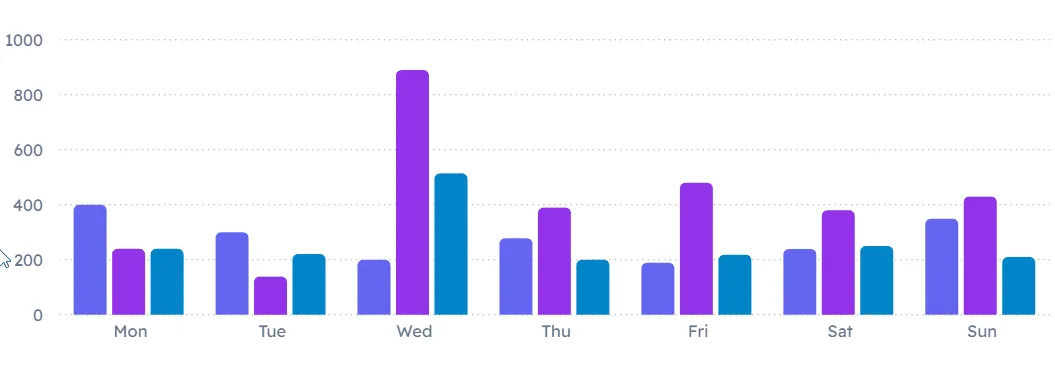
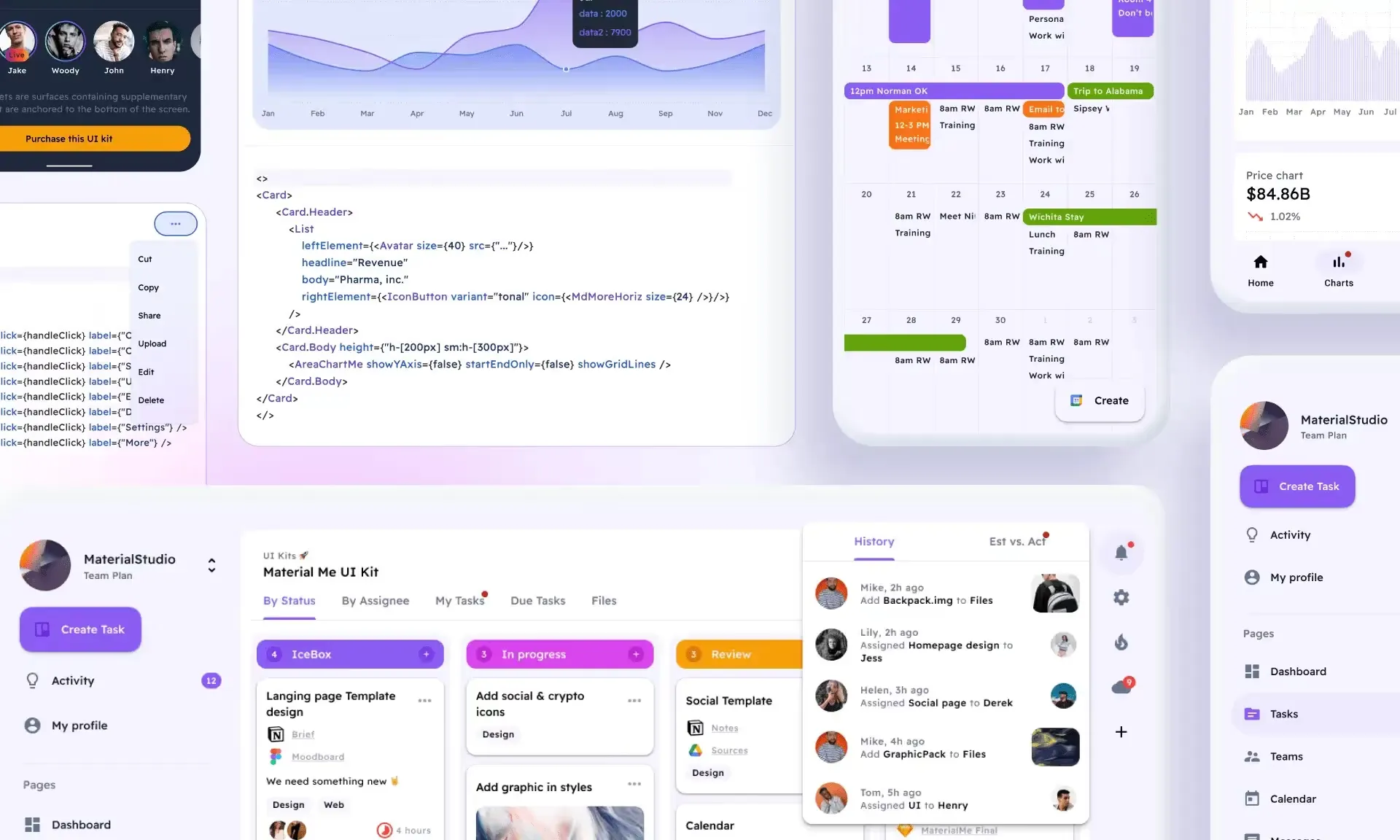
Preview charts section in Material Me UI kit for Figma
3. Scalable
Next.js is designed to be highly scalable, meaning it can easily handle large amounts of data and traffic. This makes it ideal for UIs that need to be shared and used by many users. It features server-side rendering, code splitting, and dynamic imports, which allow you to tweak your UI for speed and scalability. This ensures that your UI can handle a large number of requests without sacrificing performance.
4. Responsive design
Next.js makes it easy to create UIs that look great on any device, including desktops, tablets, and mobile phones. Responsive design ensures that your UI will automatically adjust to the size of the device it's being viewed on, providing an optimal user experience regardless of device.
You can easily customize the Material Design layout and styling of your UIs to ensure they look great on all devices. Our Material UI kit includes Figma templates which are crafted for all the viewports.
5. Fast load times
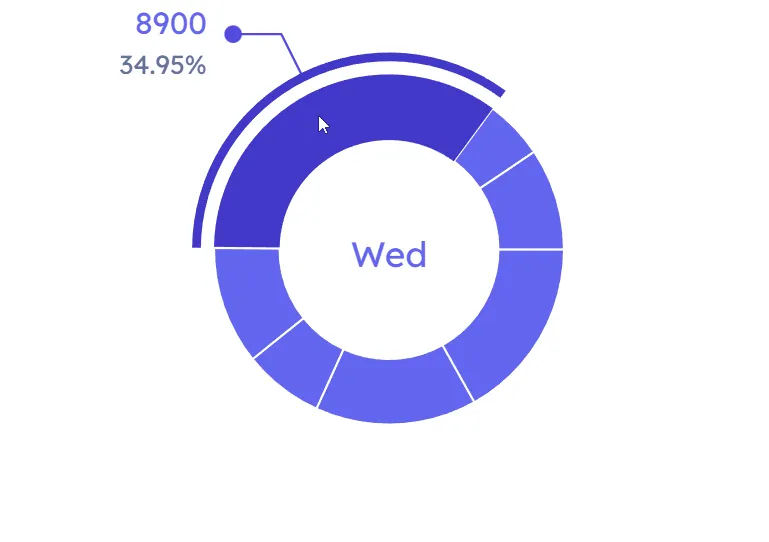
Next.js is optimized to deliver faster loading speeds, ensuring that your UIs will load quickly and smoothly.
This React framework utilizes a number of techniques to reduce loading times, such as code-splitting and automatic static optimization. It also has a built-in server-side rendering feature, which pre-renders pages to reduce load time.
6. Open-source
Next.js is open source, meaning the code is freely available for anyone to use, modify, and distribute.
Developers are allowed to customize the framework to meet their specific needs, such as adding components and adjusting layouts. Furthermore, the open source nature of Next.js makes it easy to collaborate with other developers, allowing for more efficient tech evolution of this React framework.
7. SEO friendly
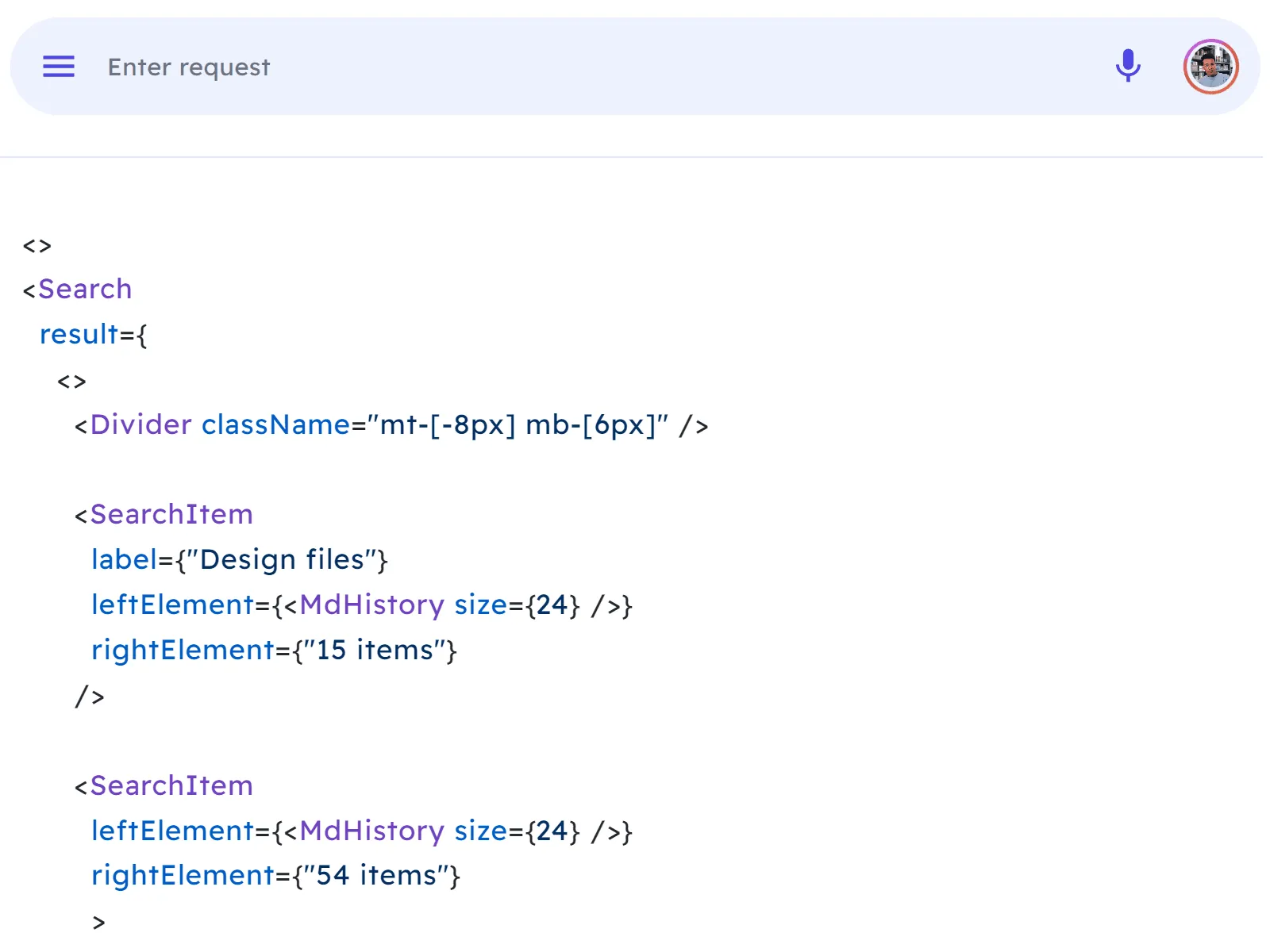
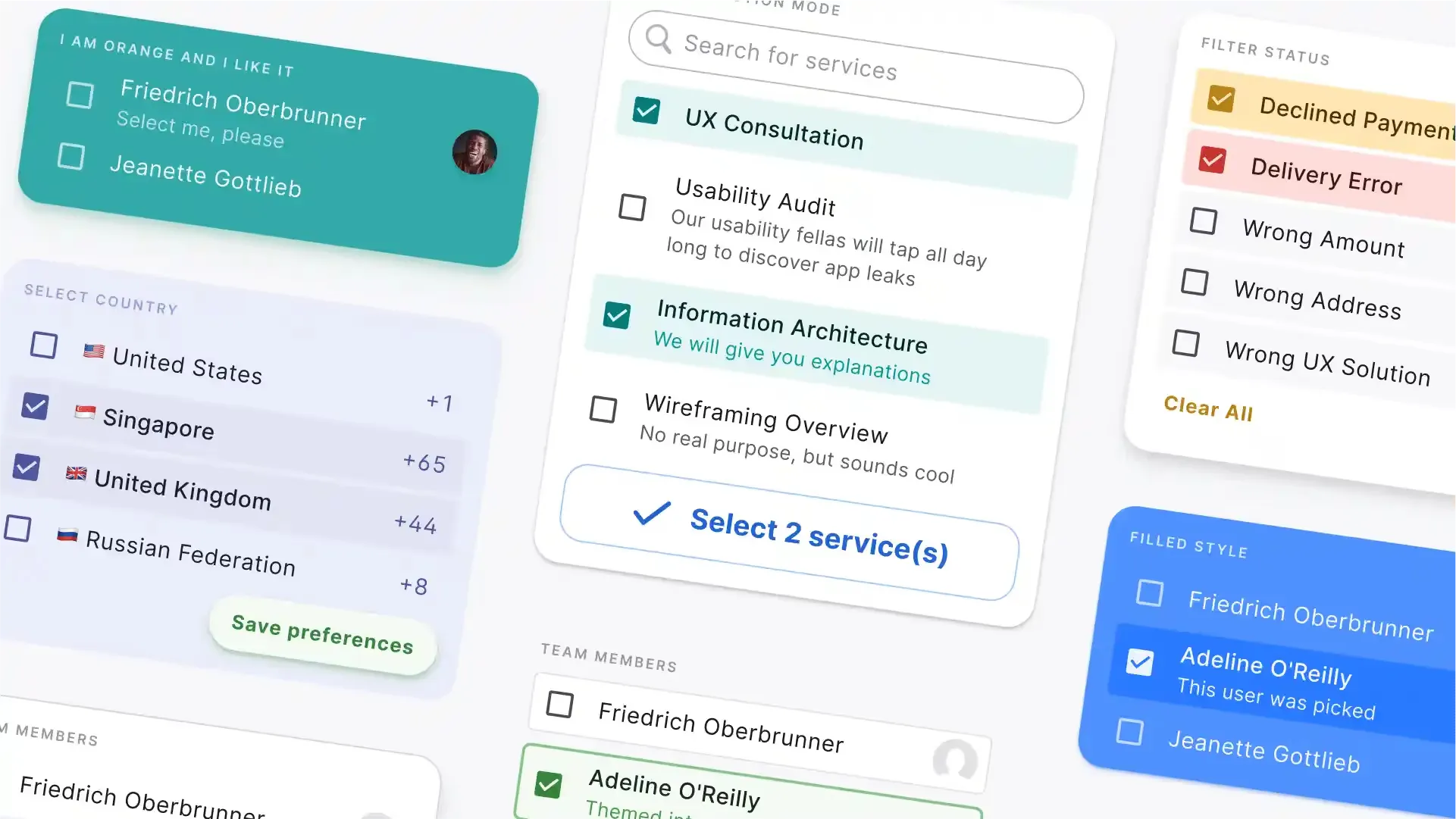
Material Design 3 input component NextJS docs
Next.js is SEO friendly, aimed to help your web apps appear higher up in search engine results. It does this by automatically generating metadata for each page, which contains important information about the content of the page.
It also supports client-side rendering, which can help search engine crawlers better index and understand UIs. Additionally, it can be configured to generate static HTML files, which can further improve your SEO performance.
8. Material designed
NextJS and Material You are a powerful combination when creating user interfaces. Material UI is a library of React components that make it easy to build attractive and user-friendly designs.
You can easily integrate Material Design 3 guidelines into your project with Next JS, allowing you to quickly and easily create beautiful designs that are consistent and easy to use. You can choose from a wide range of components that include buttons, forms, navigation bars, and others.
9. Cost-effective
Investing in a Material UI kit built with Next.js is an affordable and cost-effective option. You'll get access to a high-quality UI kit without having to pay exorbitant prices. This makes it a great option if you're working with a limited budget.
Furthermore, you'll be able to take advantage of a number of features and capabilities that come with Next.js, allowing you to create a great user experience without breaking the bank.
In conclusion, there are many advantages to invest in a UI kit built with Next.js.Fully loaded with Figma & React components, this library is easy to use, highly customizable, and SEO friendly. Plus, it's open source and can easily handle large amounts of data and traffic. However, there are some drawbacks to consider. For example, some coding designers may find Next.js difficult to learn, and it may not be the best choice for complex UIs when styled by Material You theme.Overall, investing in a UI kit built with Next.js is a great way to create consistent web apps. In case that you may have difficulties with development, It's recommended to consider our team to delegate your React web app, as well as UI design in Figma, and then we can adjust our Next.js UI kit straight to your needs.