

Kari Nelson
JavaScript remains a cornerstone of web development, powering 98.9% of all websites as of 2024 according to W3Techs.
Since it's widespread adoption the dominance of JavaScript is pretty clear, with 63.61% of developers globally using JavaScript, making it the most popular programming language. Its versatility extends beyond web development to mobile app creation, Internet of Things (IoT) projects, and even machine learning applications.
With a vibrant community and an ecosystem of libraries and frameworks, mastering JavaScript is the cornerstone for any web developer looking to build dynamic, interactive, and high-performance web applications.
Key Javascript Functions
JavaScript functions are the key for creating dynamic, interactive web applications. Understanding key functions can significantly enhance your ability to develop effective and efficient code.
Let’s go into some of the JavaScript tips and tricks, and the most critical JavaScript functions, including managing date and time, and other useful functions that every developer should know.
Javascript Date And Time
Managing dates and times in JavaScript can be complex and require in-depth Java Script resources. Still the powerful programming language offers a strong Date object to simplify these tasks. The Date object allows you to create, manipulate, and format dates and times with ease.
- Creating Dates: You can create a new date object using New Date(). This can be initialized to the current date and time, or you can specify a date string or individual components like year, month, and day.

- Manipulating Dates: Methods like Getdate(), Getmonth(), Getfullyear(), Setdate(), Setmonth(), and Setfullyear() allow you to retrieve and modify different parts of a date object.

- Formatting Dates: To format dates, you can use Todatestring(), Totimestring(), or more sophisticated libraries like Date-Fns and Moment.Js for custom formatting.

String Manipulation Functions
String manipulation is another much needed aspect of JavaScript. Functions that handle strings efficiently can help manage text content more effectively.
- Charat() And Substring(): These methods help you access specific characters and substrings within a string.

- Touppercase() And Tolowercase(): These methods convert strings to uppercase or lowercase.

- Split() And Join(): split() converts a string into an array based on a delimiter, and join() combines an array into a string.

The Foreach Function
The Foreach() function executes a provided function once for each array element. Unlike Map() and Filter(), it does not return a new array but is useful for performing actions on each element of an array.
-
Usage: Foreach() is used for iterating over an array and performing operations like logging, updating, or processing each element.
-
Syntax:

- Example:
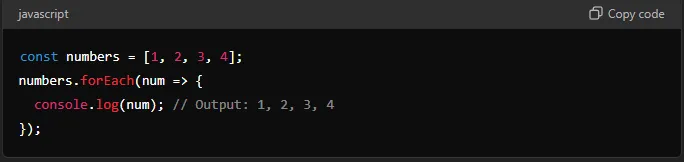
The Foreach() function is particularly useful for executing side effects such as updating the DOM, sending data to a server, or logging information. It is straightforward to use but does not support breaking out of the loop early, making it less flexible than other iteration methods like For or For...Of
The Many Uses Of Javascript In Web Development
The versatility and broad ecosystem of Java Script make it indispensable for both front-end and back-end development which means its usefulness keeps growing. First we'll go over the uses of Java Script in front end development.
Front-End Development
Since front end development has a lot of focus on user interfaces and experiences JavaScript is the go-to language. It enables developers to create highly interactive and responsive web pages.
-
Dynamic Content: JavaScript allows the manipulation of HTML and CSS to update the content displayed on a webpage without requiring a page reload. This dynamic content loading enhances user experience by making interactions smoother and more intuitive.
-
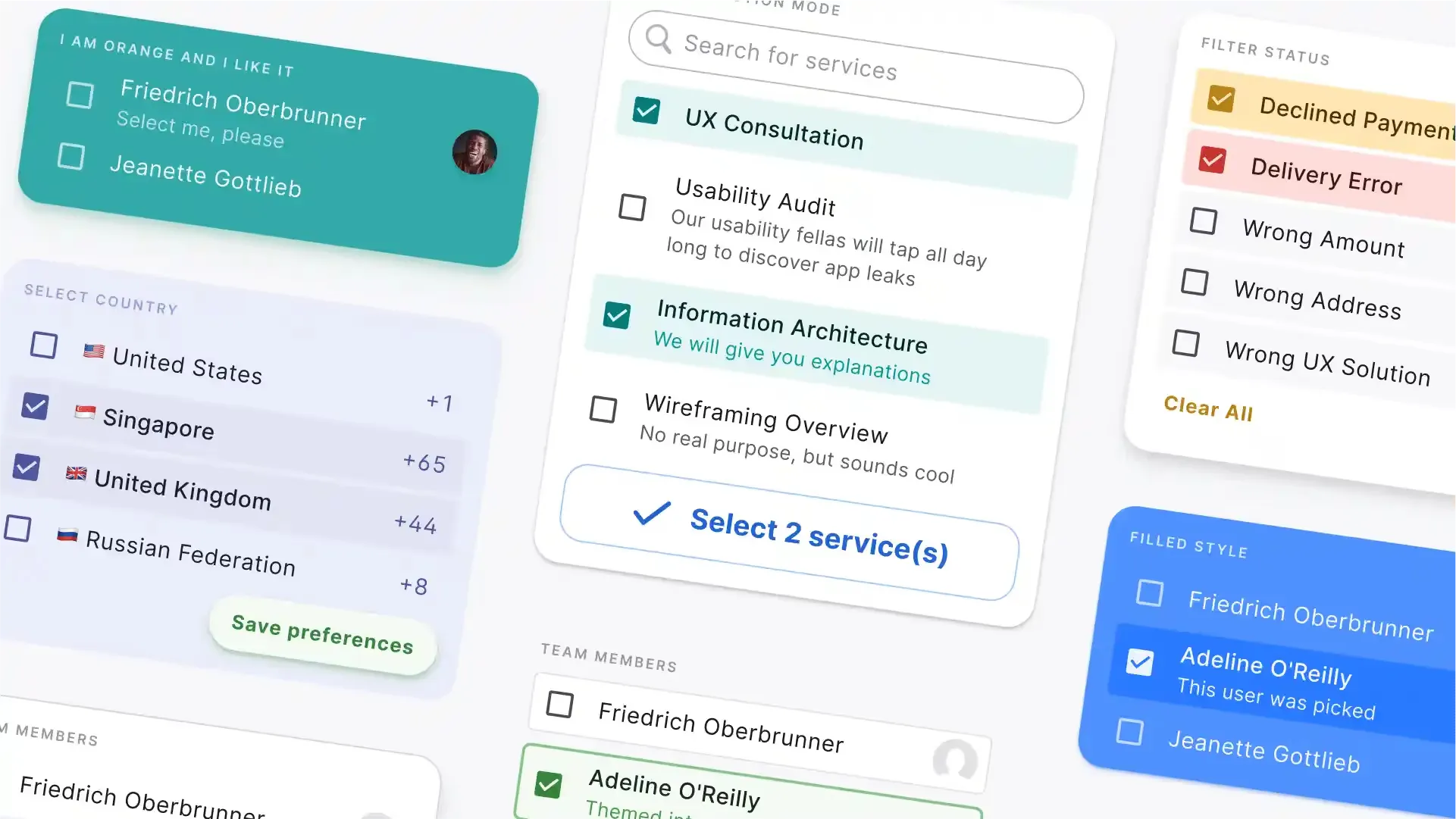
User Interaction: Libraries like jQuery and frameworks such as React, Angular, and Vue.js provide tools for handling events, animations, and creating complex user interfaces efficiently. React, for instance, uses a component-based architecture that promotes reusability and maintainability of code.
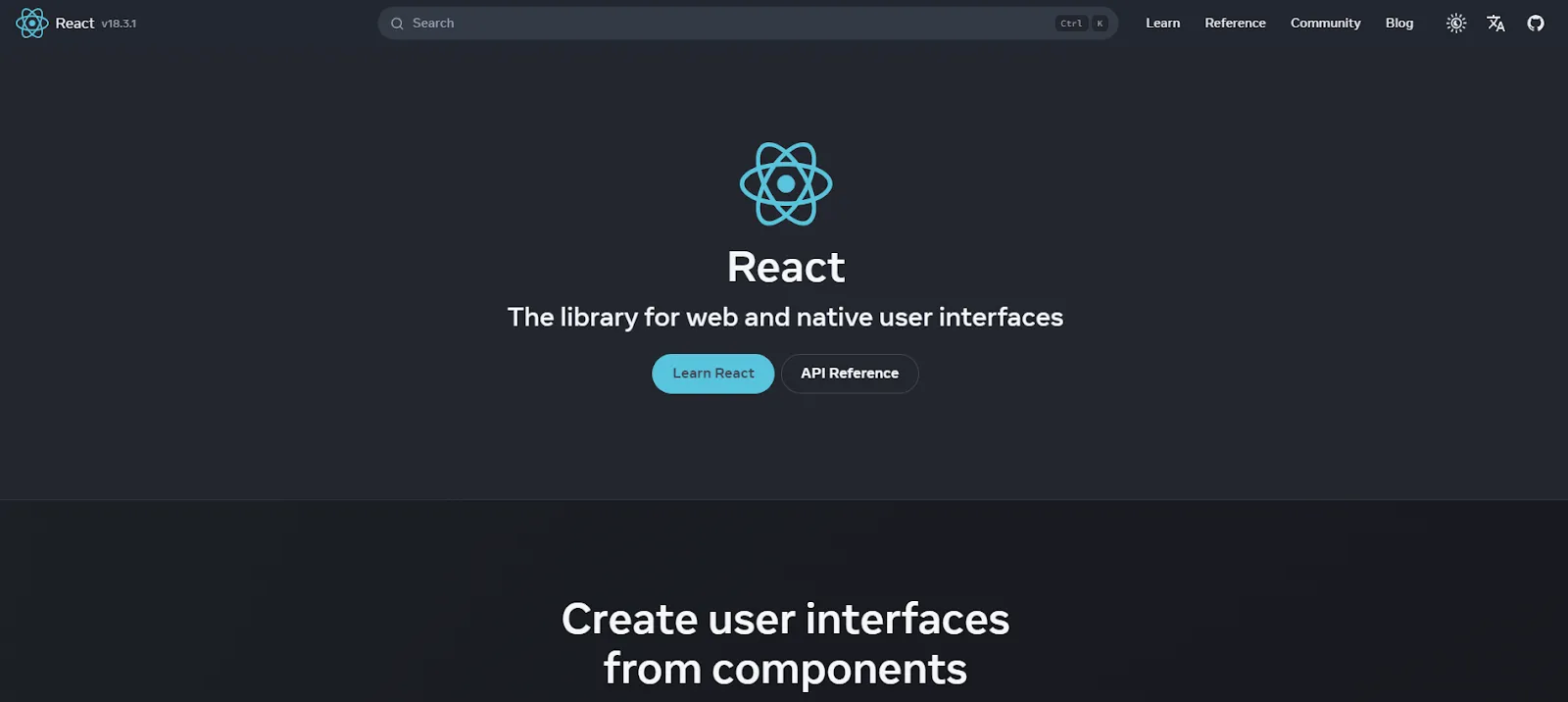
Image from React
- Single Page Applications (SPAs): Frameworks like React and Vue.js are particularly useful for building SPAs in conjunction with JavaScript, which load a single HTML page and dynamically update as the user interacts with the app. This approach leads to faster load times and a more seamless user experience.
Back-End Development
Now onto back end. JavaScript's role hasn't got its role just on the client side. Server-side development is included as well since the rise of Node.js.
-
Scalable Applications: Node.js in tandem with Java Script enables the creation of scalable and high-performance web applications. The non-blocking I/O model makes it great for handling concurrent connections, which means it's got much use for real-time applications like chat applications and online gaming.
-
Full-Stack Development: Using JavaScript on both the front end and the back end, means a more consistent codebase and streamlined development process. This full-stack approach reduces the complexity associated with using different languages and improves code reusability.
Cross-Platform Applications
Mobile and desktop applications also benefit from JavaScript's versatility.
-
Mobile Apps: Frameworks like React Native allow developers to build mobile in tandem with JavaScript, which can run on both iOS and Android. This cross-platform capability significantly reduces development time and costs.
-
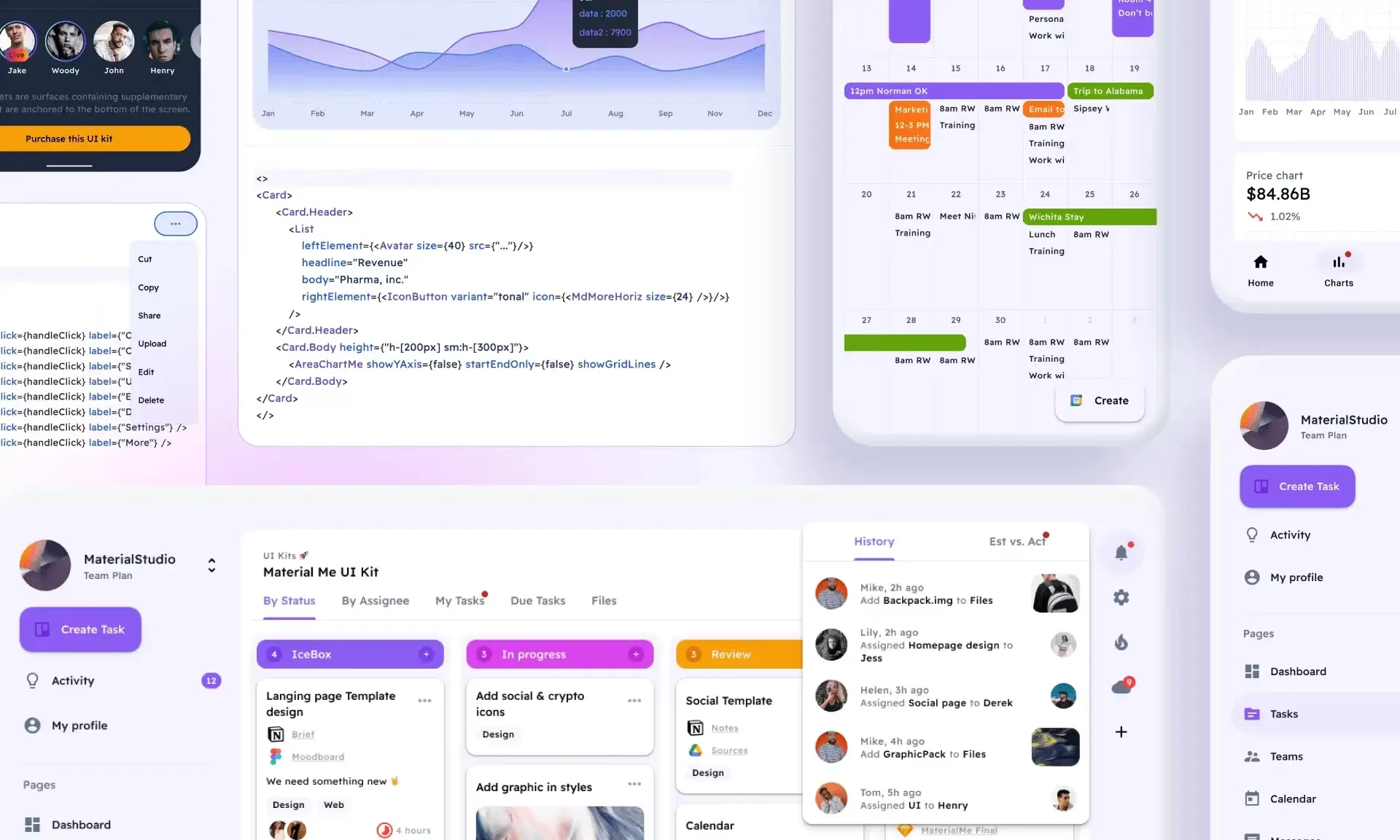
Desktop Applications: Electron is a popular framework for building cross-platform desktop applications when used with JavaScript, HTML, and CSS. Applications like Visual Studio Code and Slack are built using Electron, showcasing its ability to create desktop applications along with Java Script.
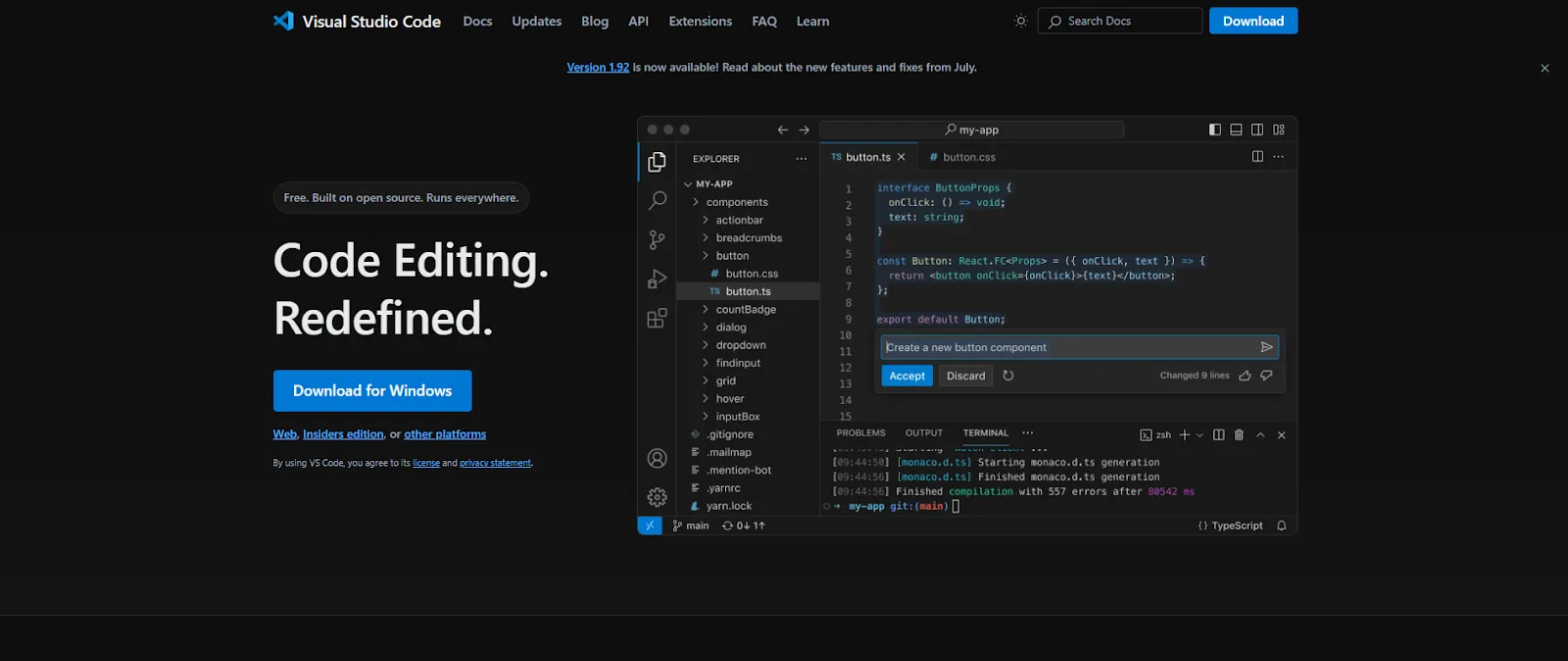
Image from Visual Studio Code
Enhancing Developer Productivity
JavaScript also contributes to improving developer productivity through a variety of tools and practices.
-
Module Bundlers: Tools like Webpack and Parcel bundle JavaScript files for easier management and deployment. They handle dependencies and optimize the code for production, ensuring better performance and maintainability.
-
Testing Frameworks: Jest, Mocha, and Cypress provide solutions for unit and integration testing, ensuring that applications are bug-free.
-
Typescript: A superset of JavaScript called TypeScript, TypeScript introduces static typing, which catches errors early in the development process. It has become indispensable in many large-scale JavaScript projects
Wrapping Up
As we've seen,JavaScript's adaptability and continuous evolution ensure it remains relevant in web development.
Its ecosystem supports a wide range of applications from dynamic web pages to mobile and desktop apps.
As new technologies like WebAssembly and machine learning integration expand its capabilities, JavaScript will continue to be a make or break skill for developers aiming to stay ahead in the ever-evolving tech landscape.
Embracing JavaScript today means preparing for the innovative solutions of tomorrow.
Sources:
Usage Statistics of JavaScript as Client-side Programming Language on Websites, August 2024
JavaScript Usage Statistics 2024: The Ultimate Guide
45+ JavaScript Statistics - Usage Stats To Leverage in 2024
MDN Web Docs on JavaScript Functions
DEV Community - JavaScript in 2024: A Look at the Future
OpenReplay Blog - Discovering the Latest in JavaScript: New Features for 2024
CodeShock - Understanding JavaScript Functions Easily
Geekflare - Must-Know JavaScript Functions
MDN Web Docs - Array.prototype.map()
Plain English - Important JavaScript Functions
DesignWithRehana - Most Important Functions in JavaScript
Edureka - Important JavaScript Functions
MDN Web Docs - Array.prototype.forEach()
JetBrains Developer Ecosystem Survey (The JetBrains Blog)
Radixweb - JavaScript Usage Statistics 2024 (Radixweb)
PullTheCode - The Dynamic Landscape of JavaScript in 2024 (PullTheCode)
DHTMLX - Web Development and JavaScript Trends in 2024 (DHTMLX)
EliteTechLabs - Why JavaScript Still the King of Web Development in 2024 (Elite Tech Labs)
JetBrains Developer Ecosystem Survey (The JetBrains Blog)
PullTheCode - The Dynamic Landscape of JavaScript in 2024 (PullTheCode)